










My wife loves it

Copy the discount code from the product page,and then apply the discount code during your checkout.
No, discount codes cannot be combined. Only one code can be applied per order.
* The code does not apply to the items in your cart.
* The code was entered incorrectly.
* The code has expired.
* The code is not from DREO's official website.
* Your cart already has an active discount code, and multiple codes cannot be used together.
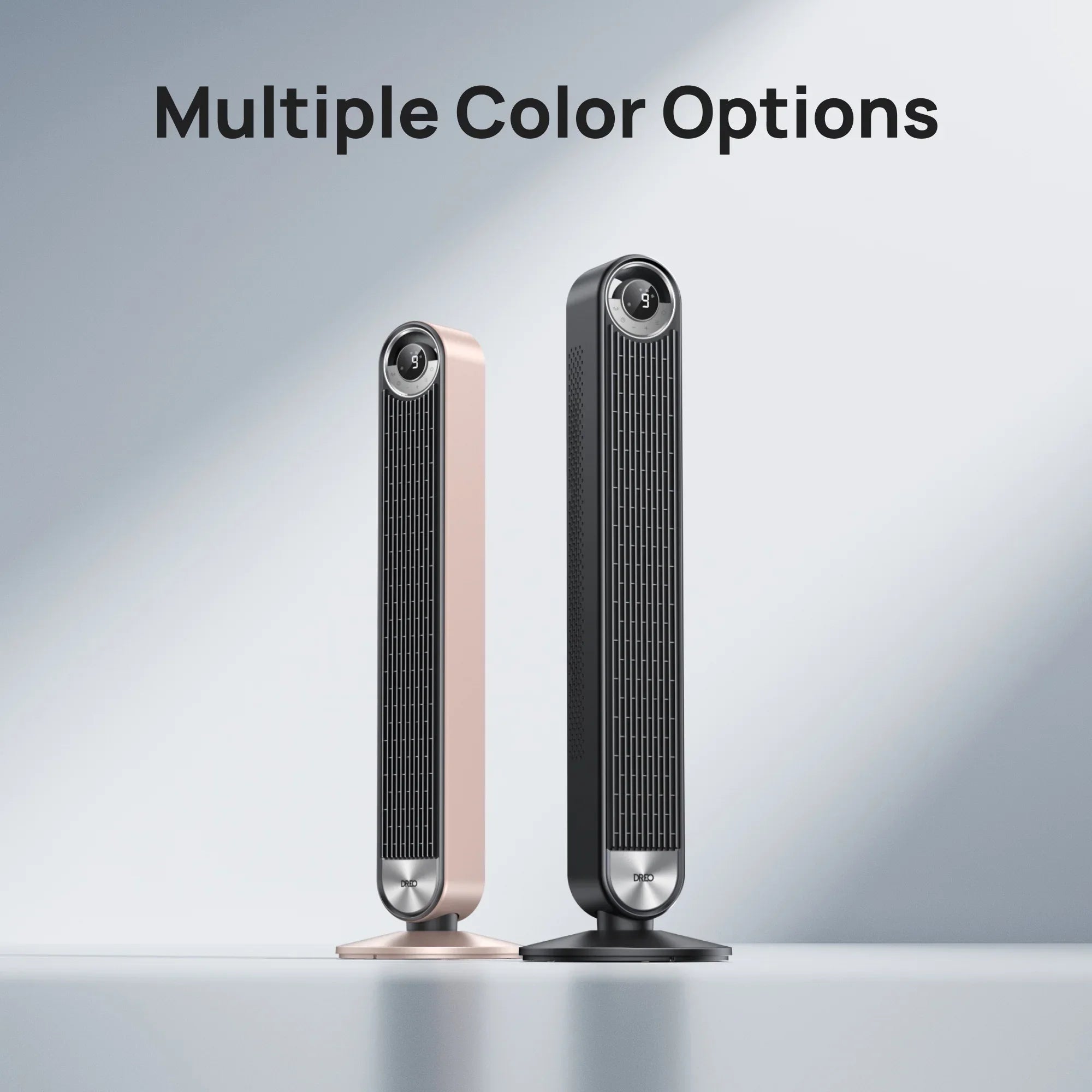
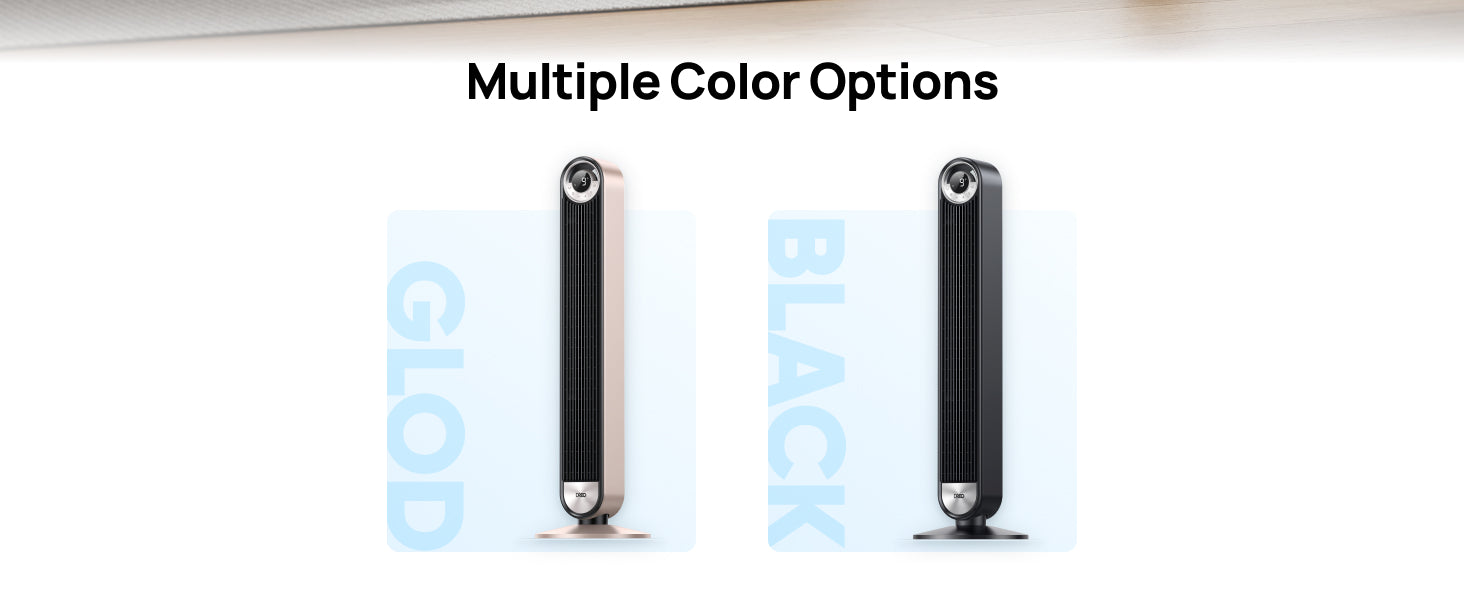
Color:

Fast, Free Shipping


30-Day Money-back Guarantee

Hassle-Free Warranty

Earn Points, Redeem Cash Discounts

Payment Methods
Color:
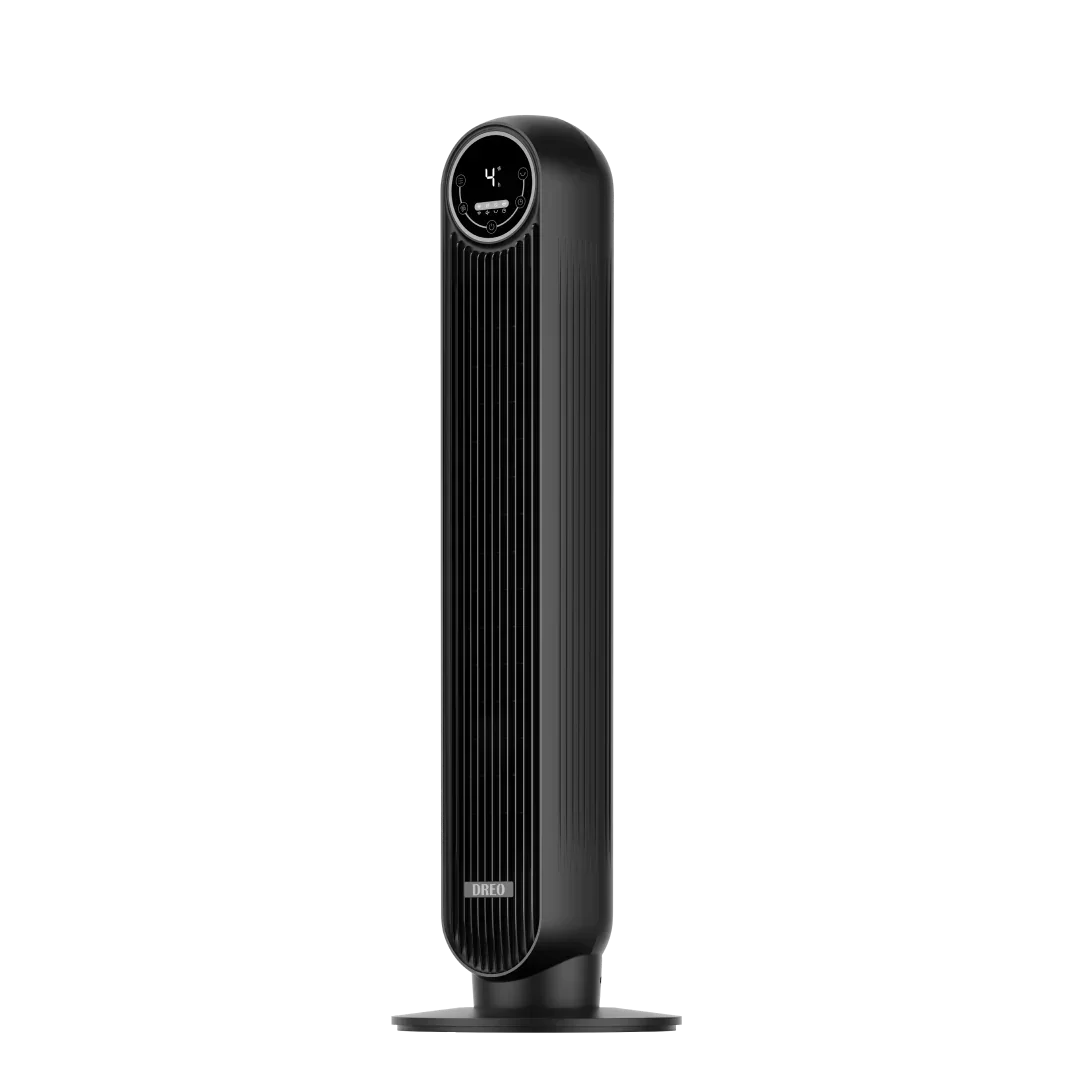
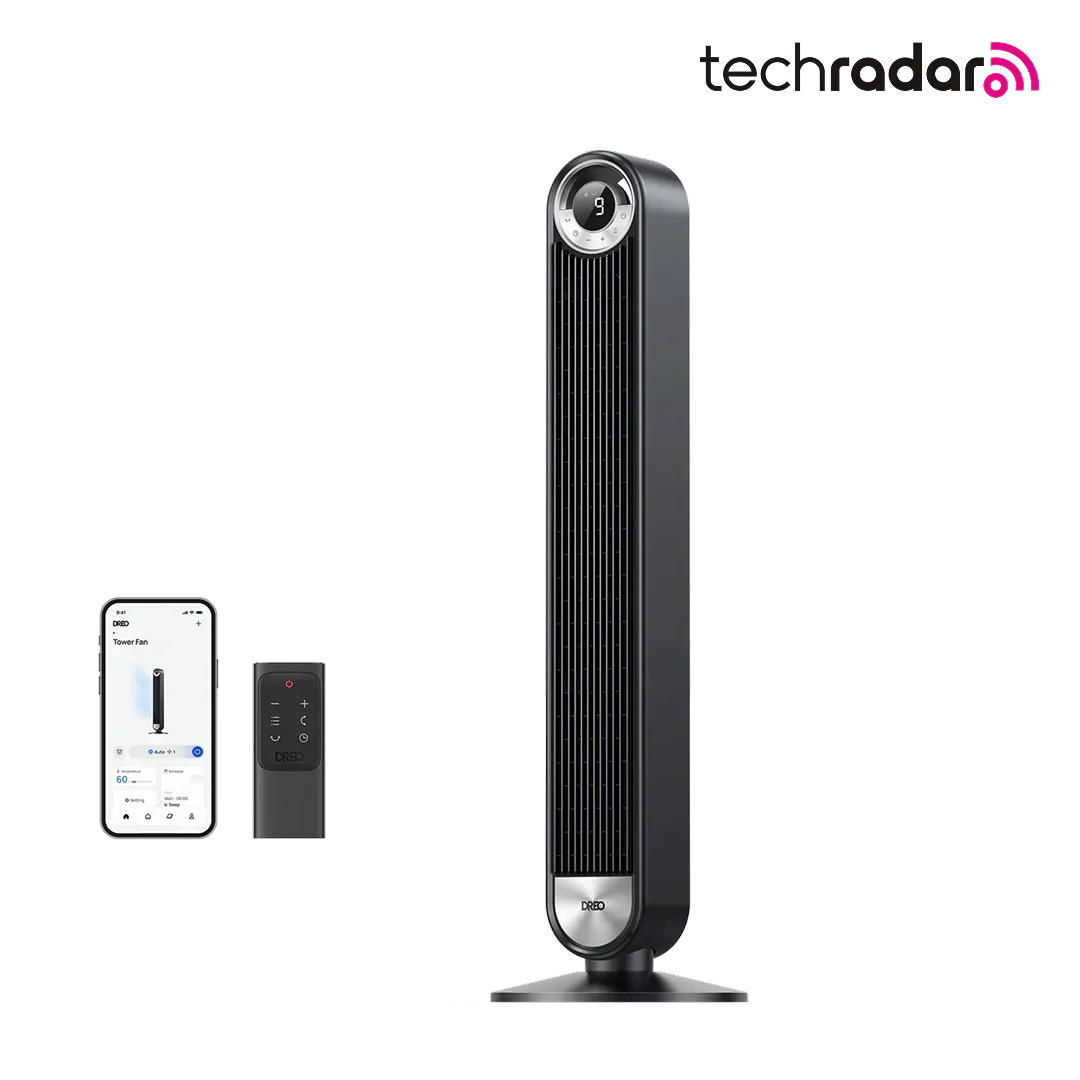
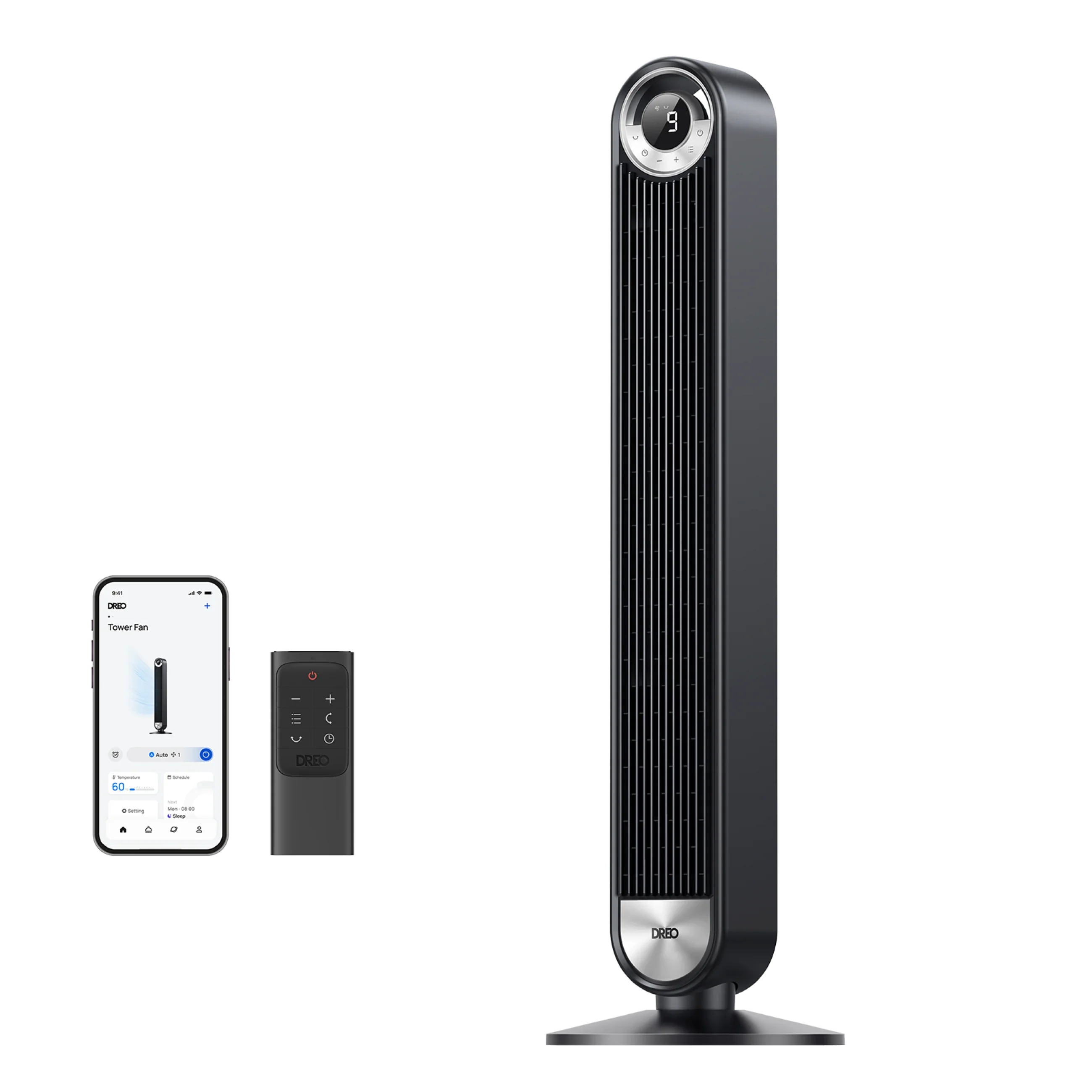
Power Source: DC
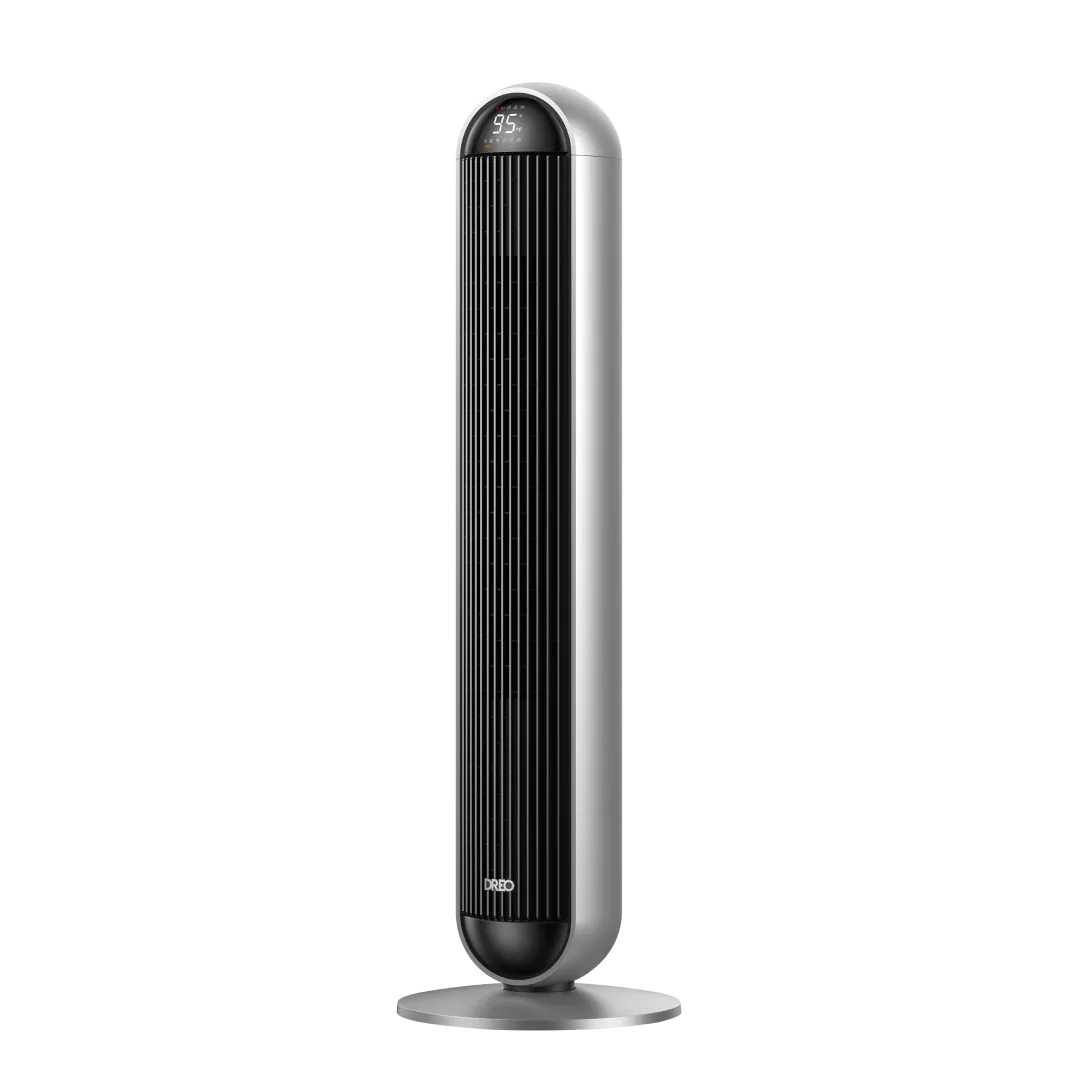
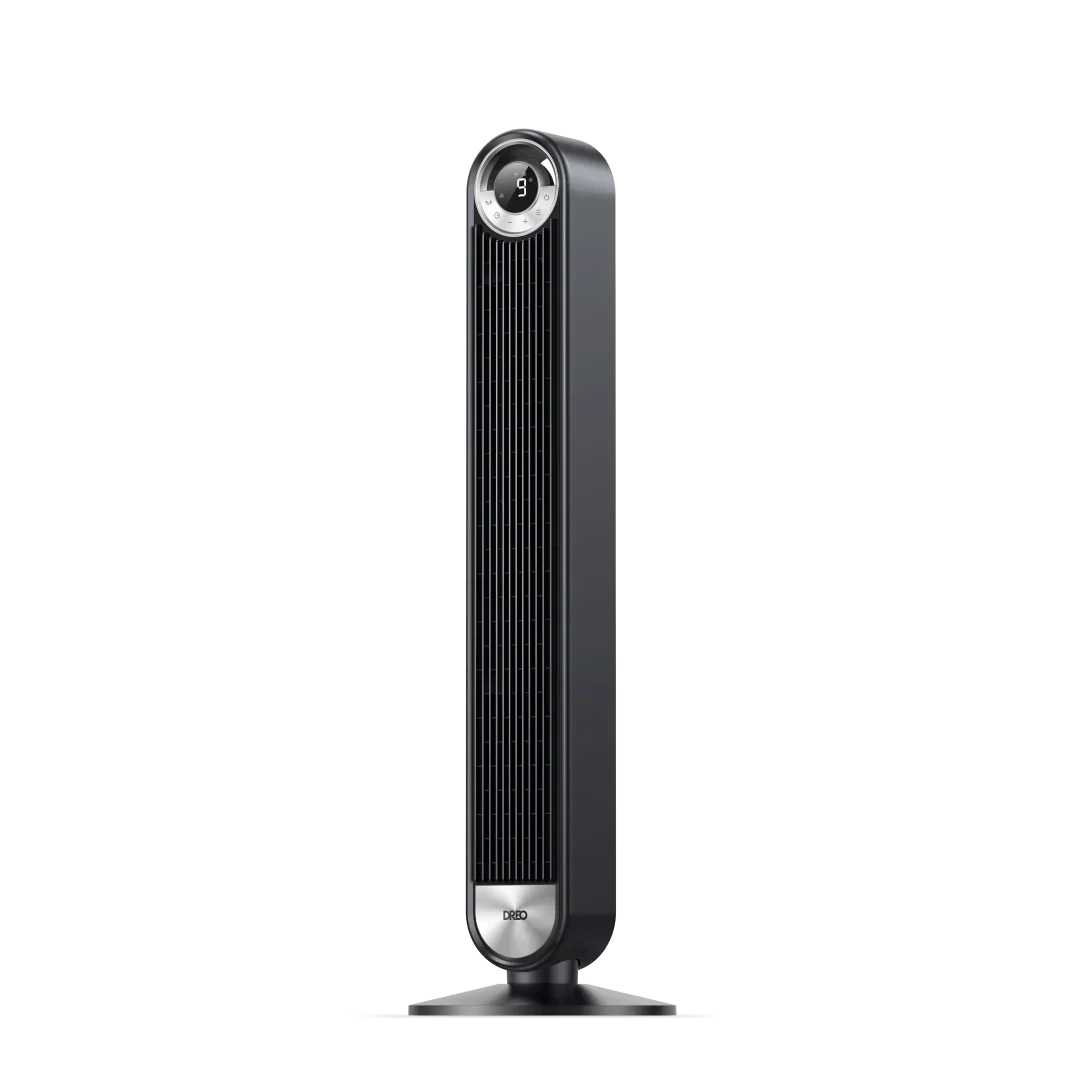
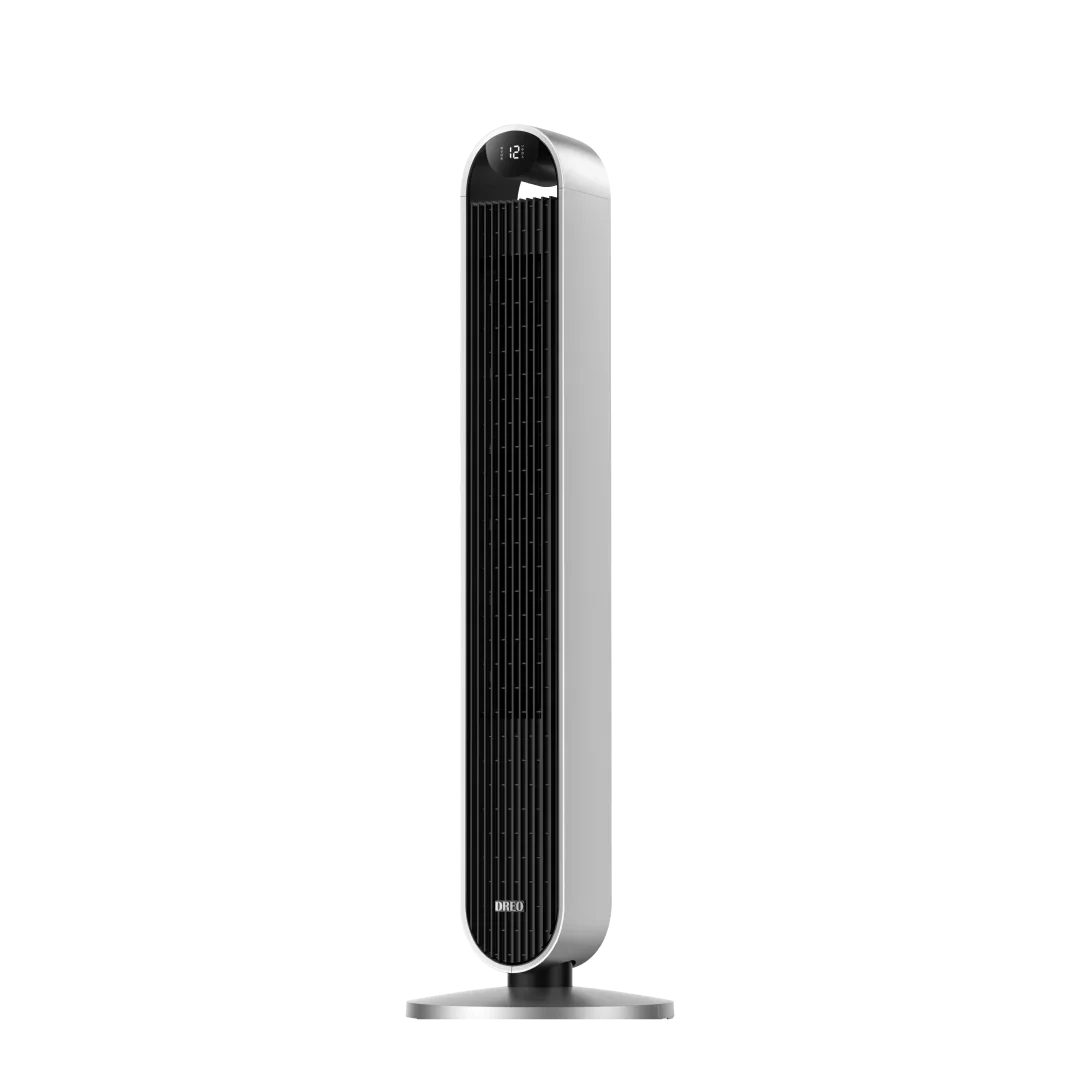
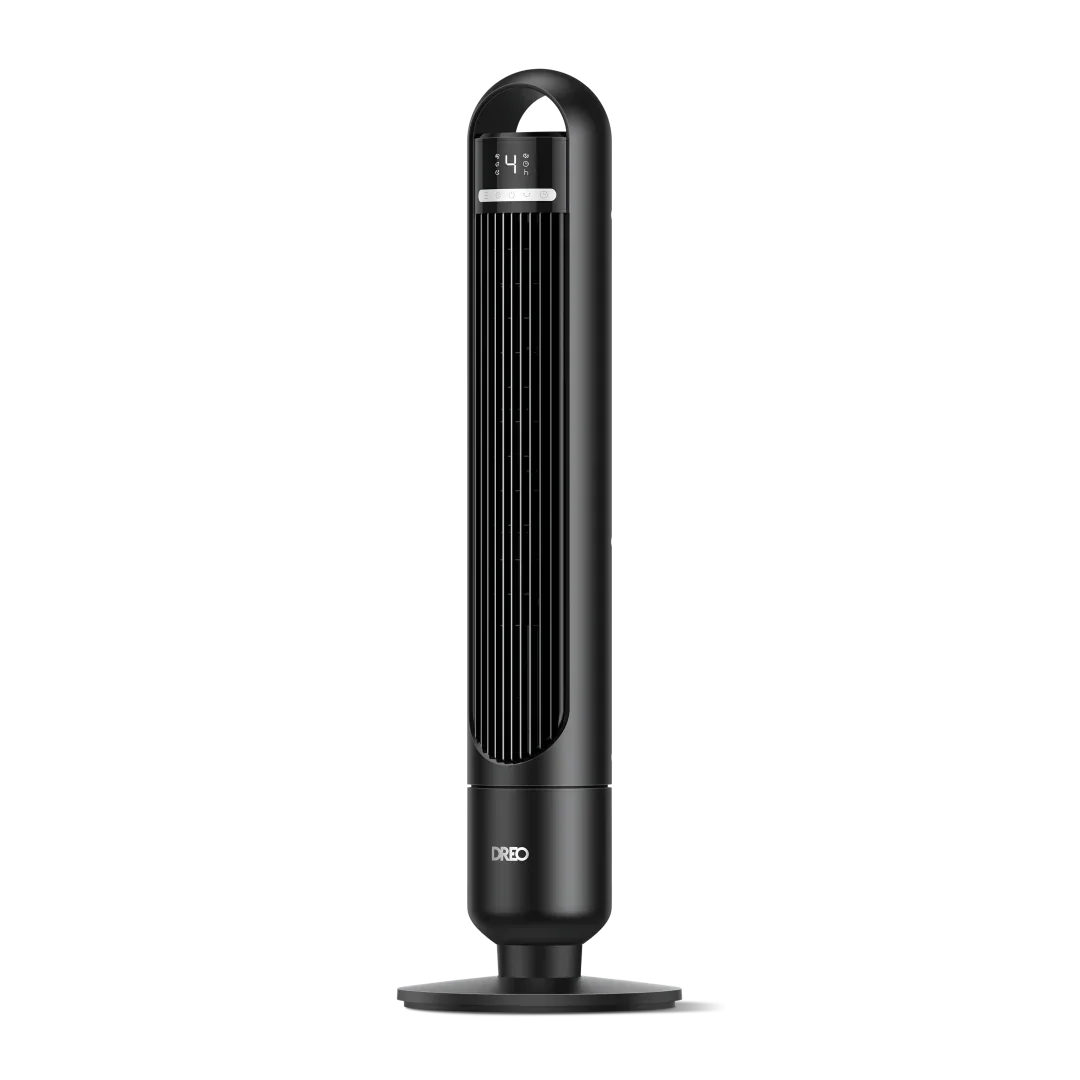
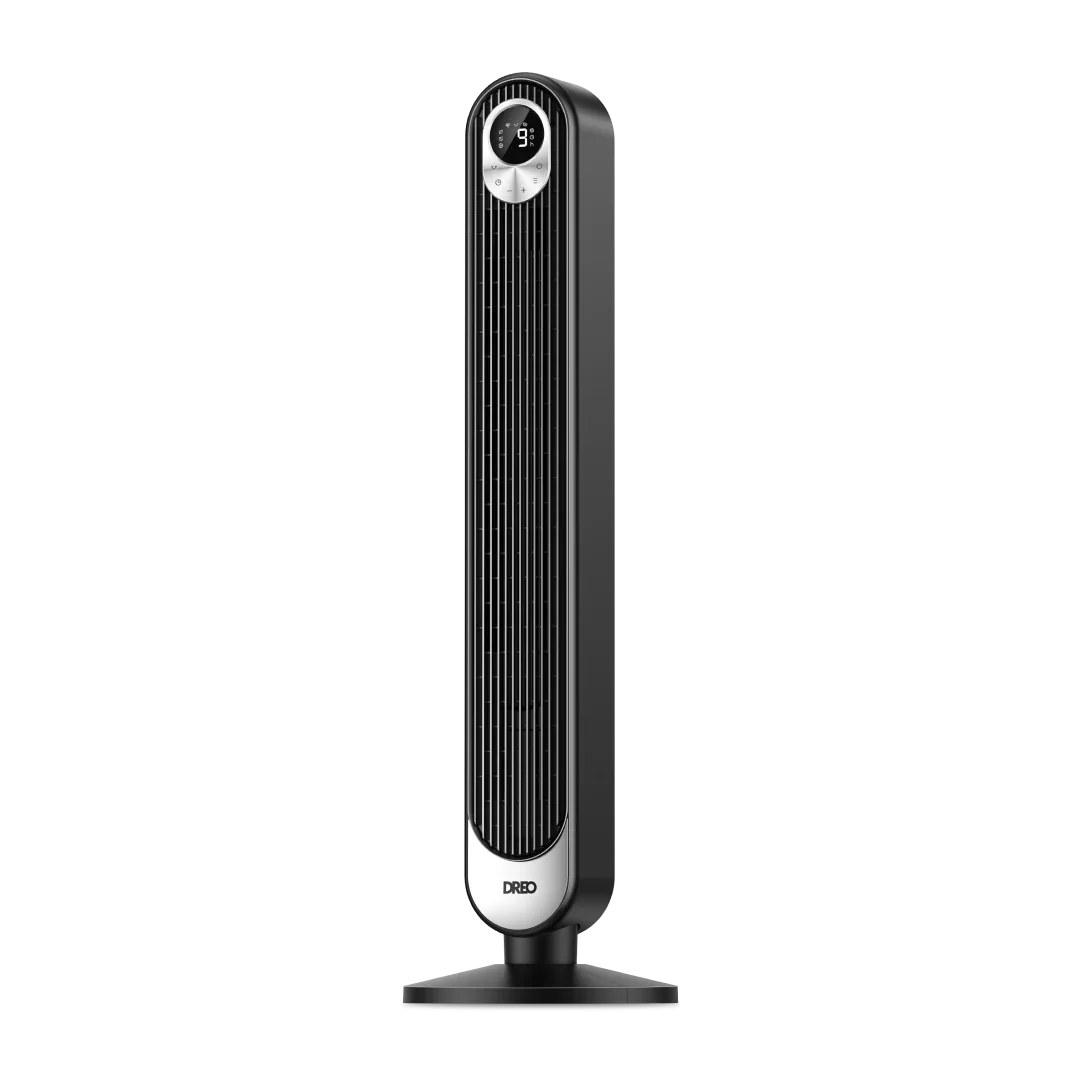
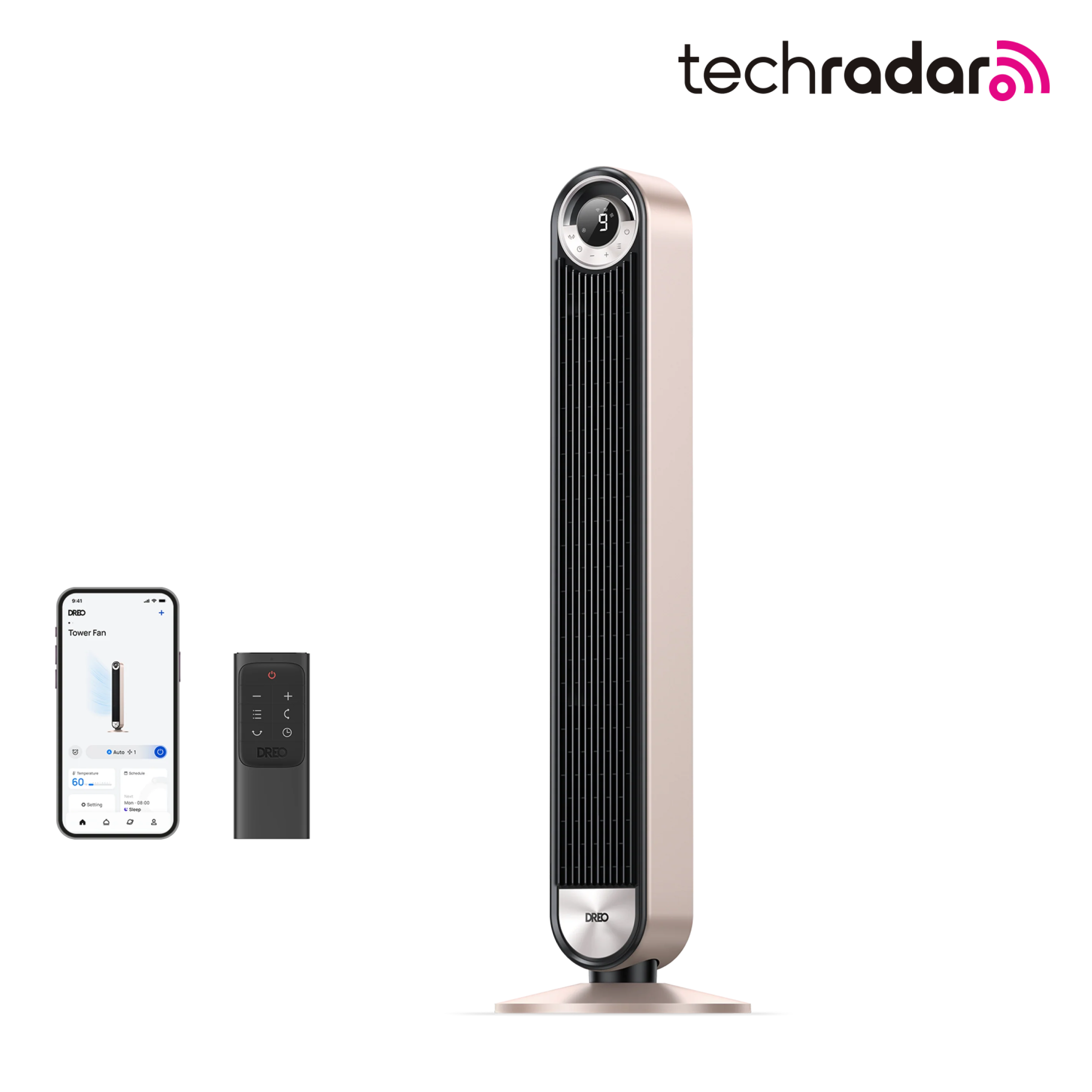
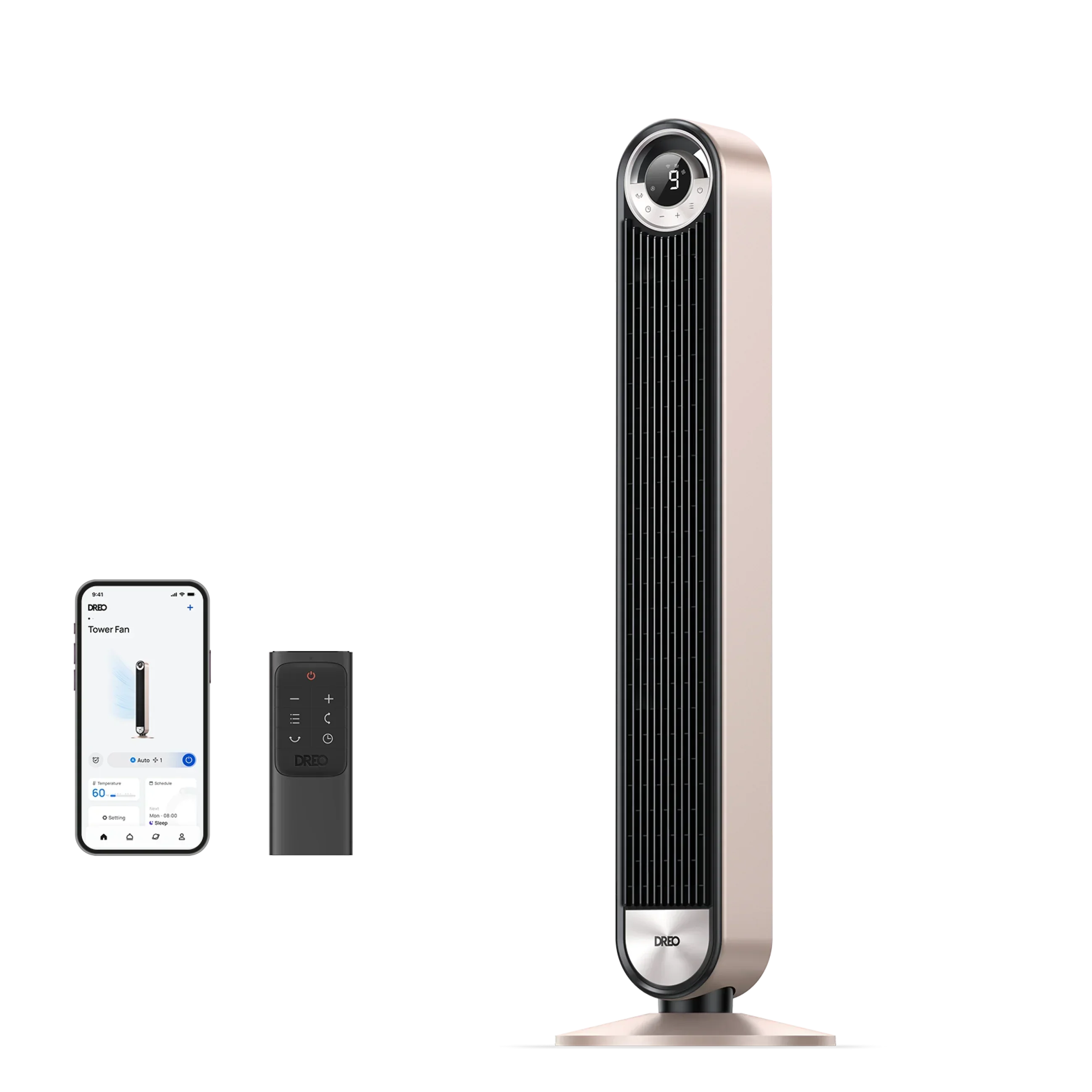
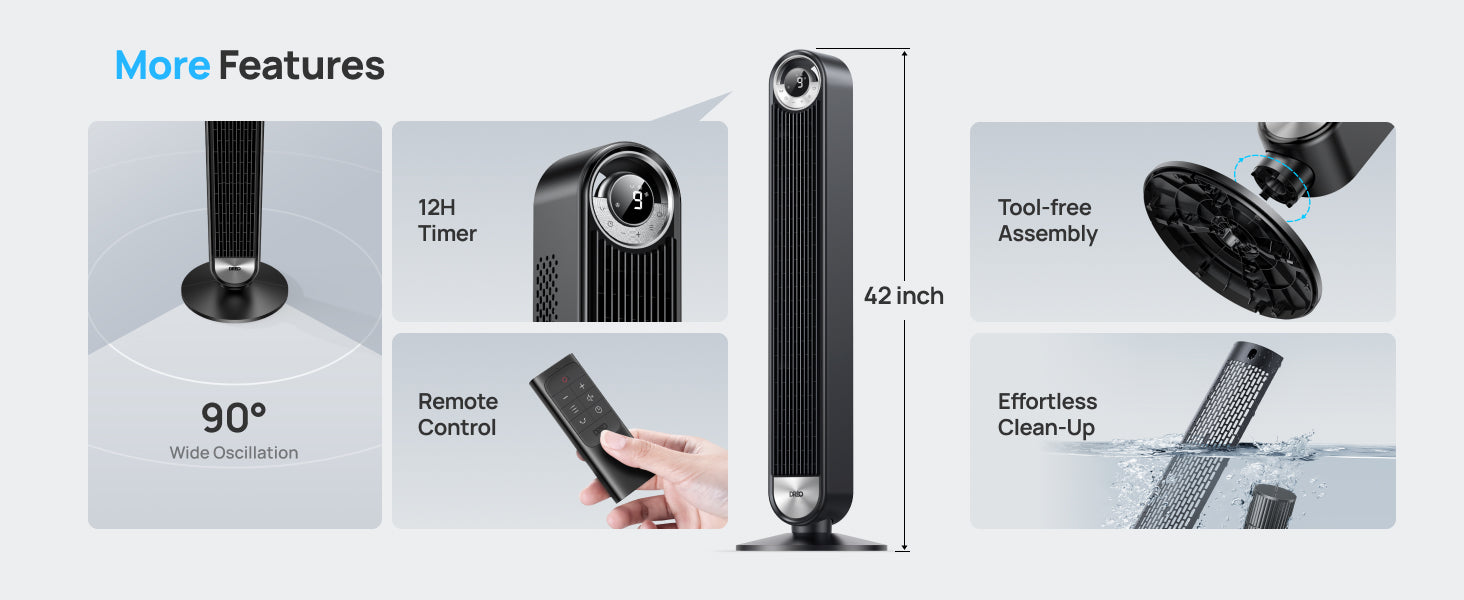
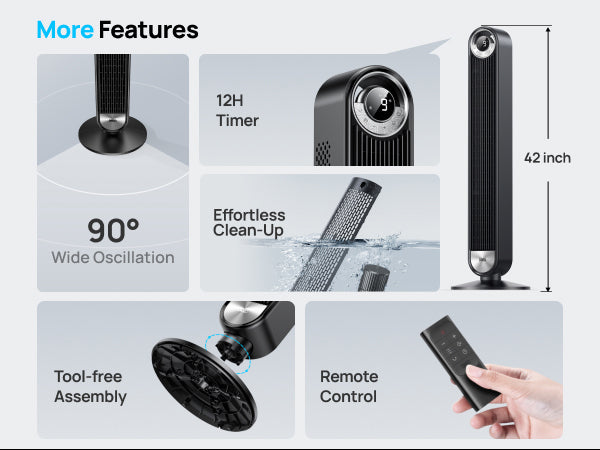
Product Dimensions: 13"D x 13"W x 42"H
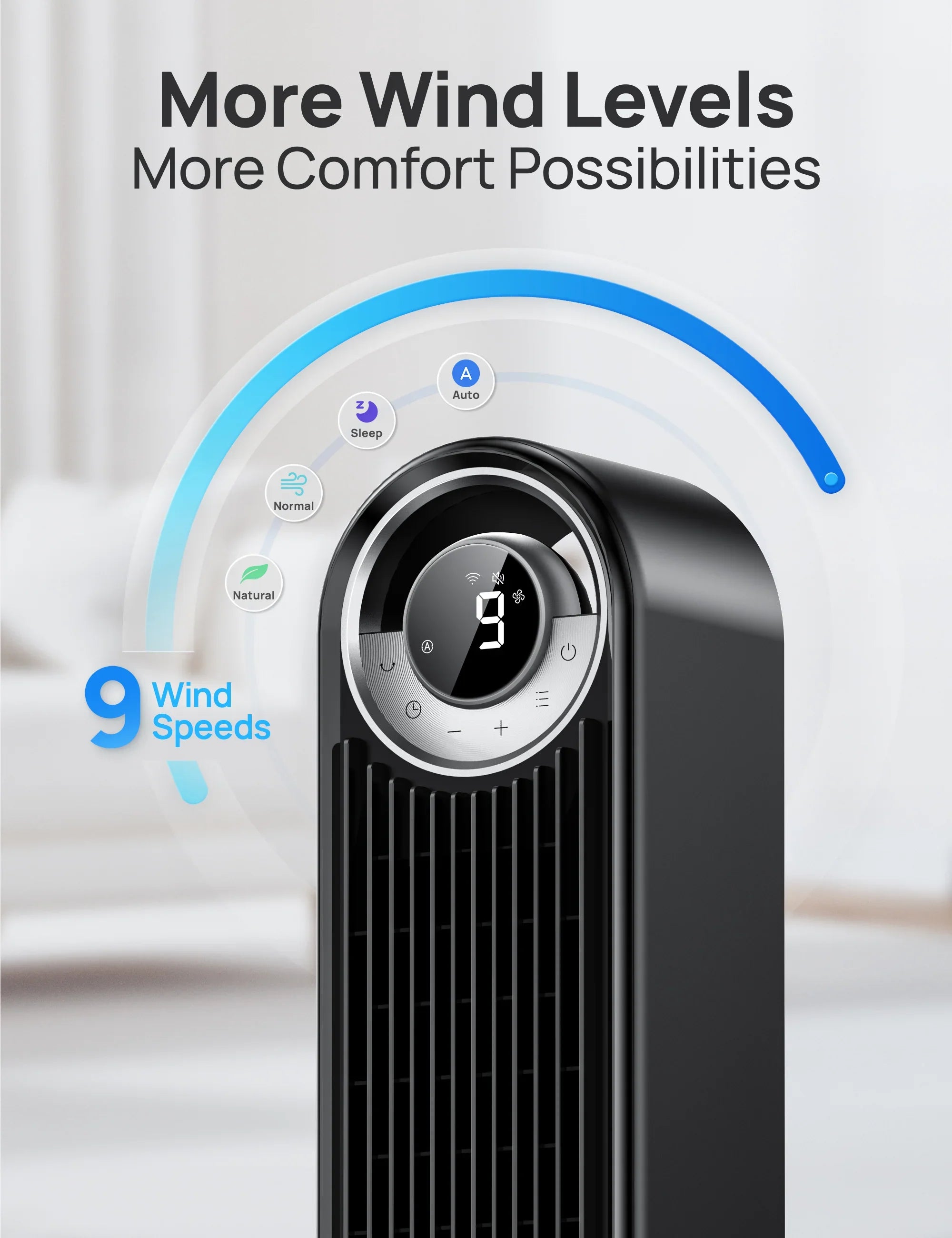
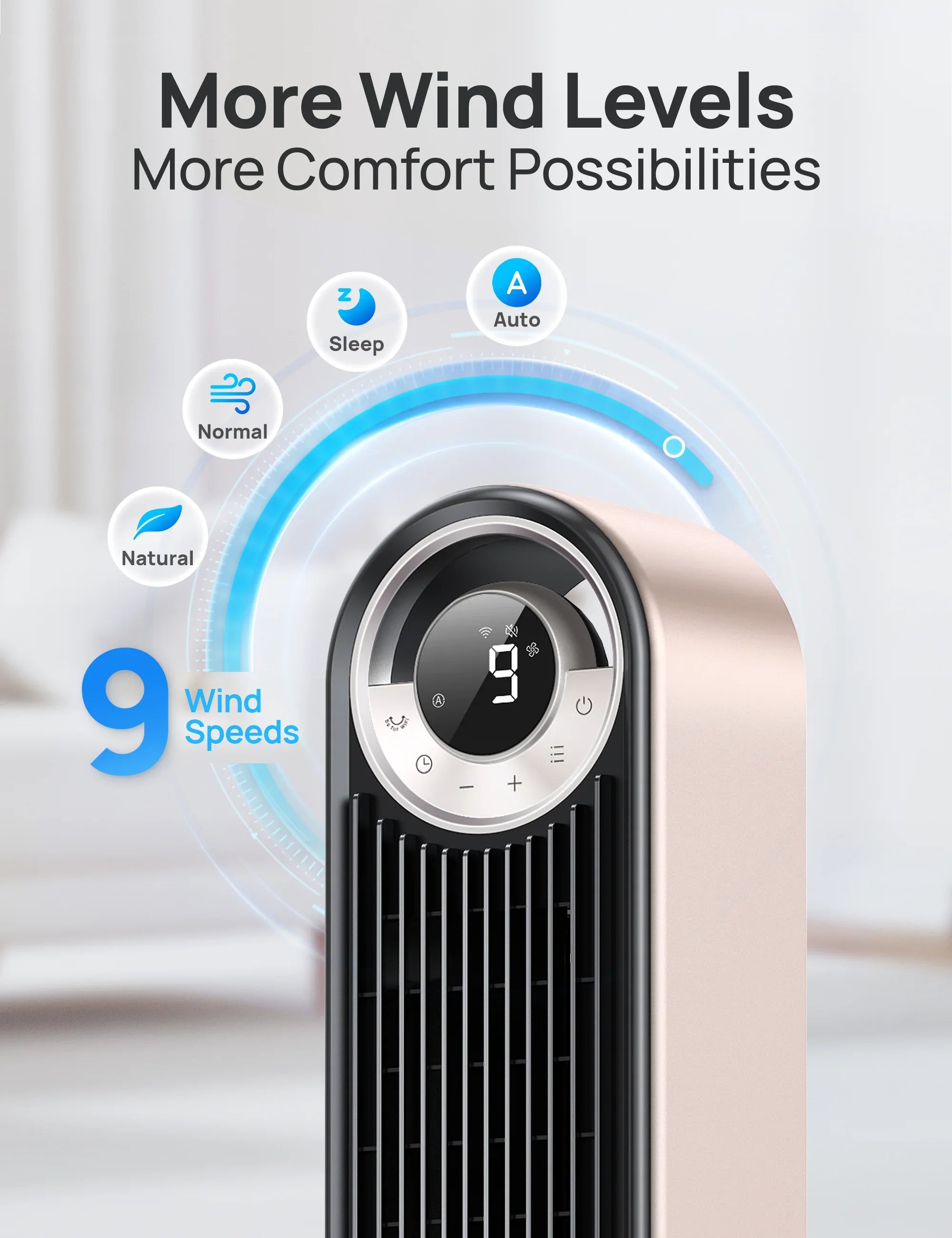
Number of Speeds: 9
Wattage: 35 watts
Voltage: 120
Blade Material: Plastic
Specification Met: UL, FCC, ETL
This product is rated 4.9 of 5.0 stars.
It has received 518 reviews.
Overall rating: 4.9 / 5 from 518 reviews.
My wife loves it

I love this fan. Keeps me cool throughout the night so I'm not hot waking up in the middle of the night.

I am very happy with the purchase of the super-quiet fan; it provides very pleasant airflow. I am very happy.

Very good. Excellent 😊

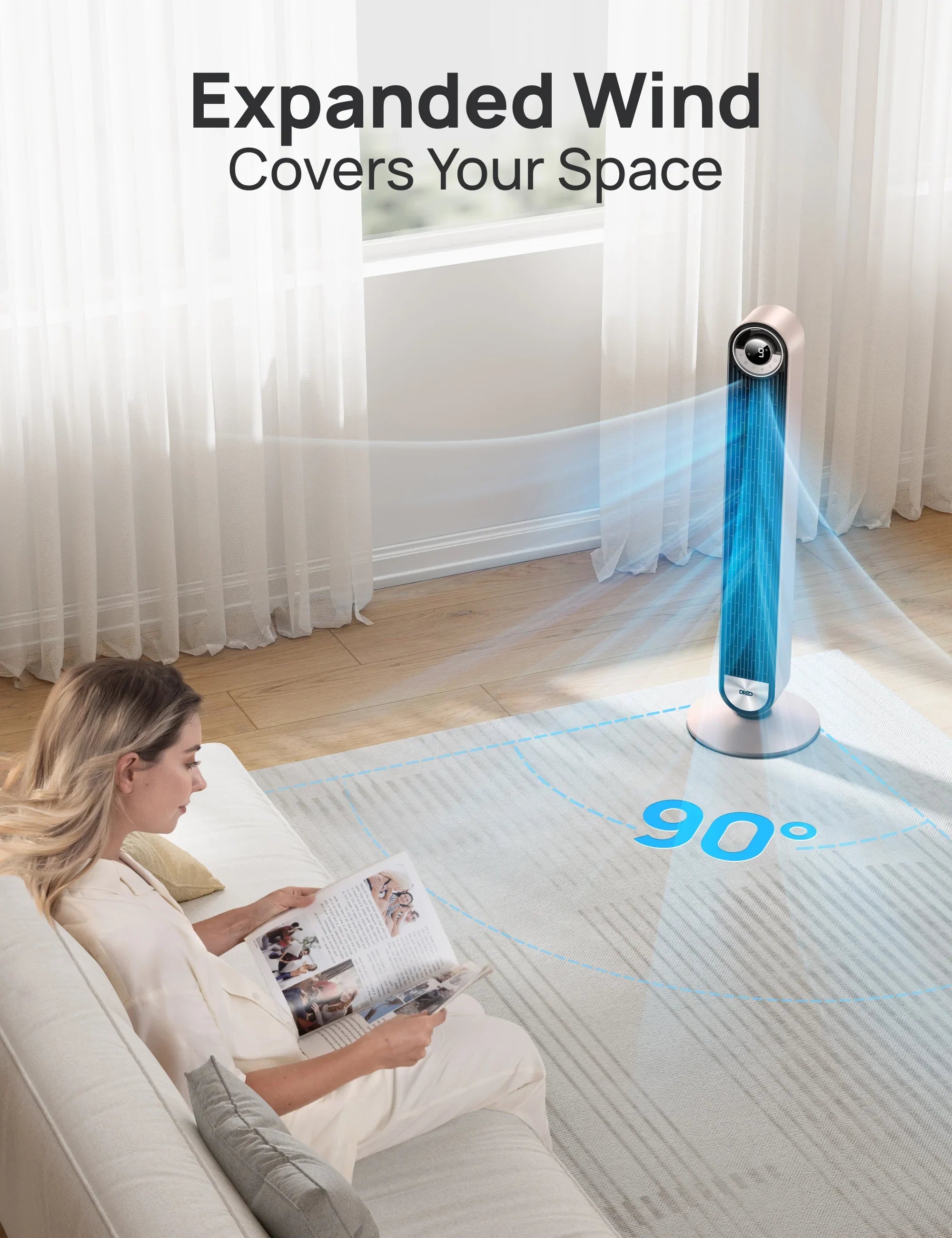
This fan absolutely surprised me with how quiet, cool and comfortable it blows air. The remote works well and the oscillator covers alot of area.

Quiet and powerful! Doesn't interfere with conversation, TV or sleep. Easy to operate. Really enjoying it!

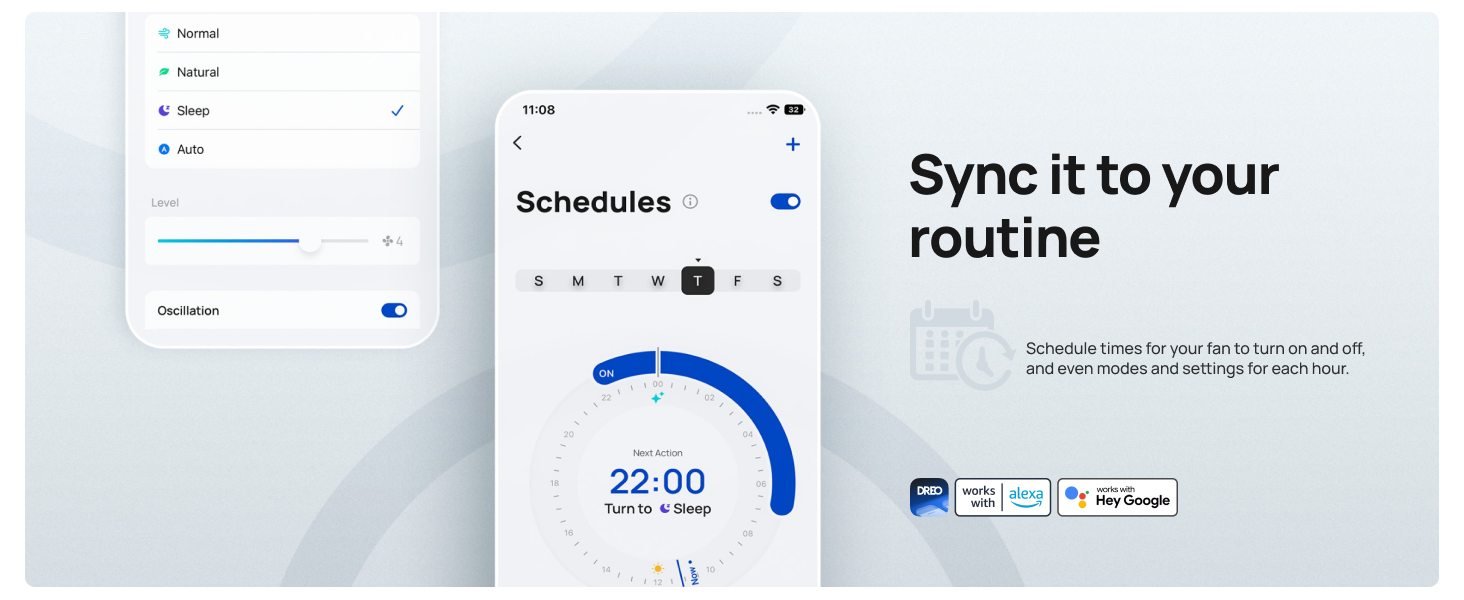
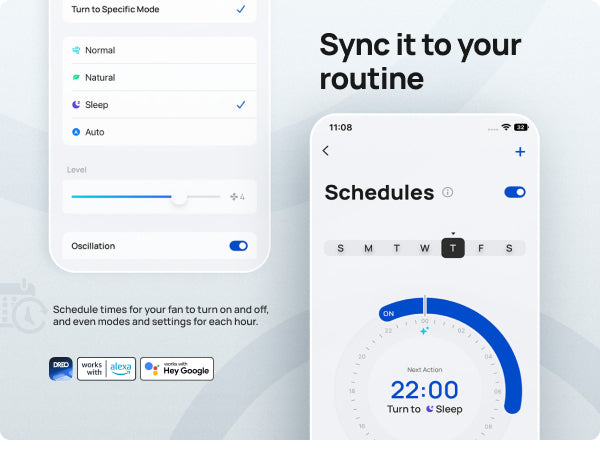
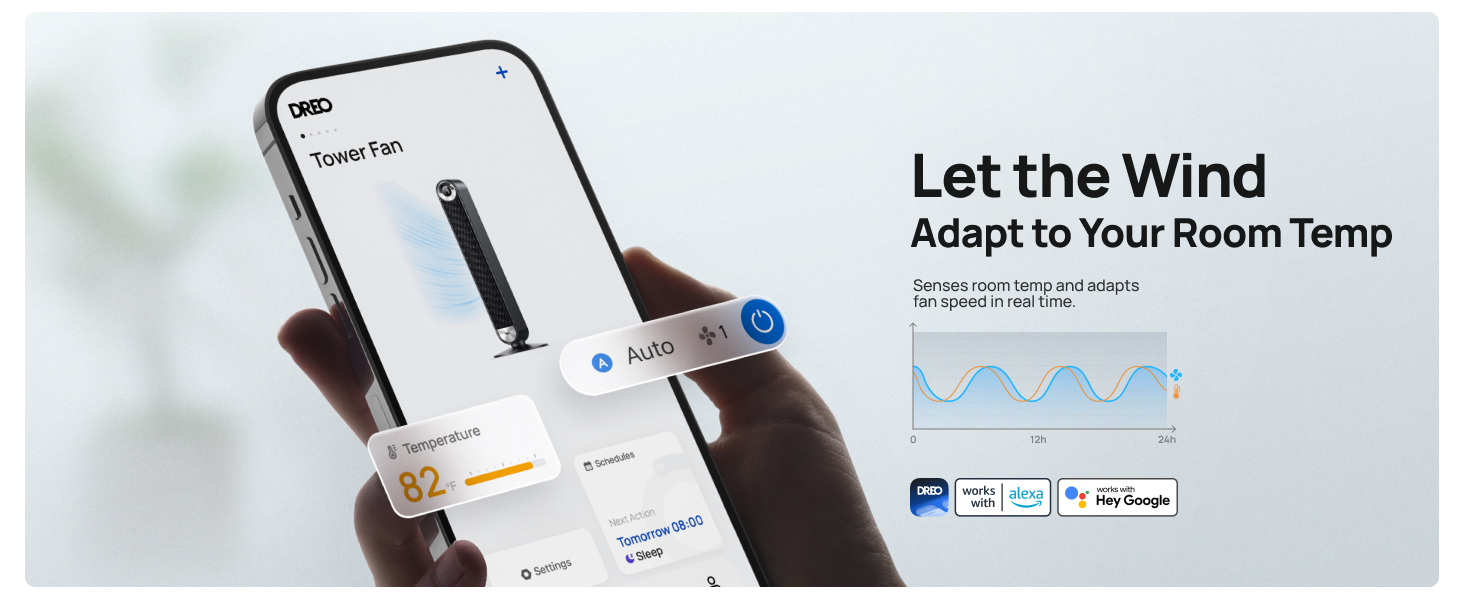
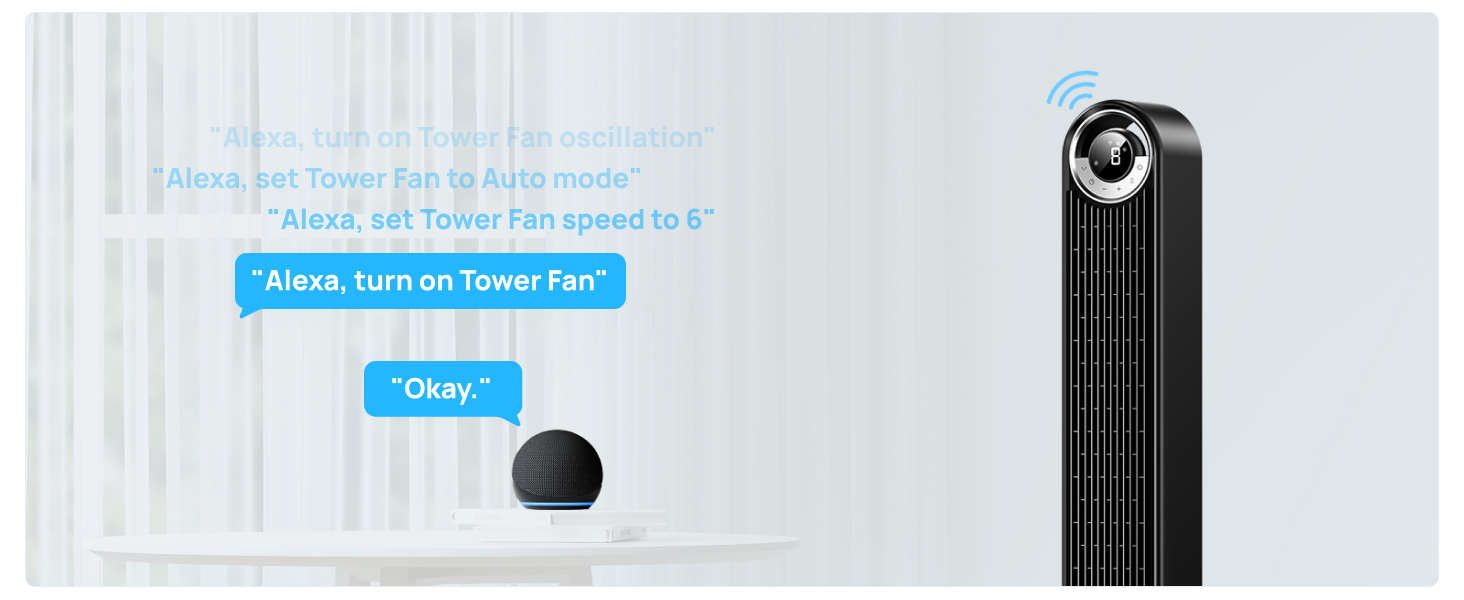
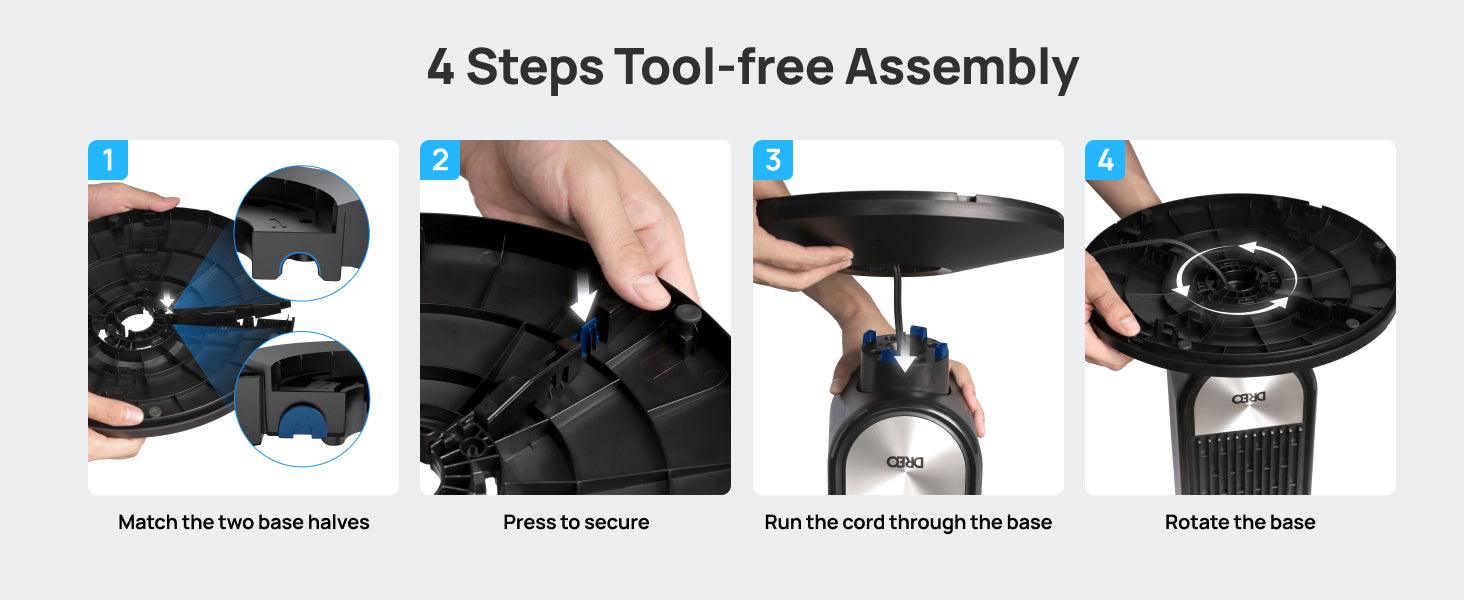
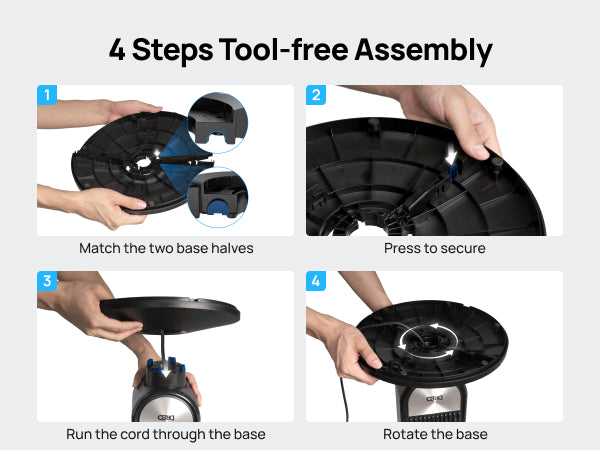
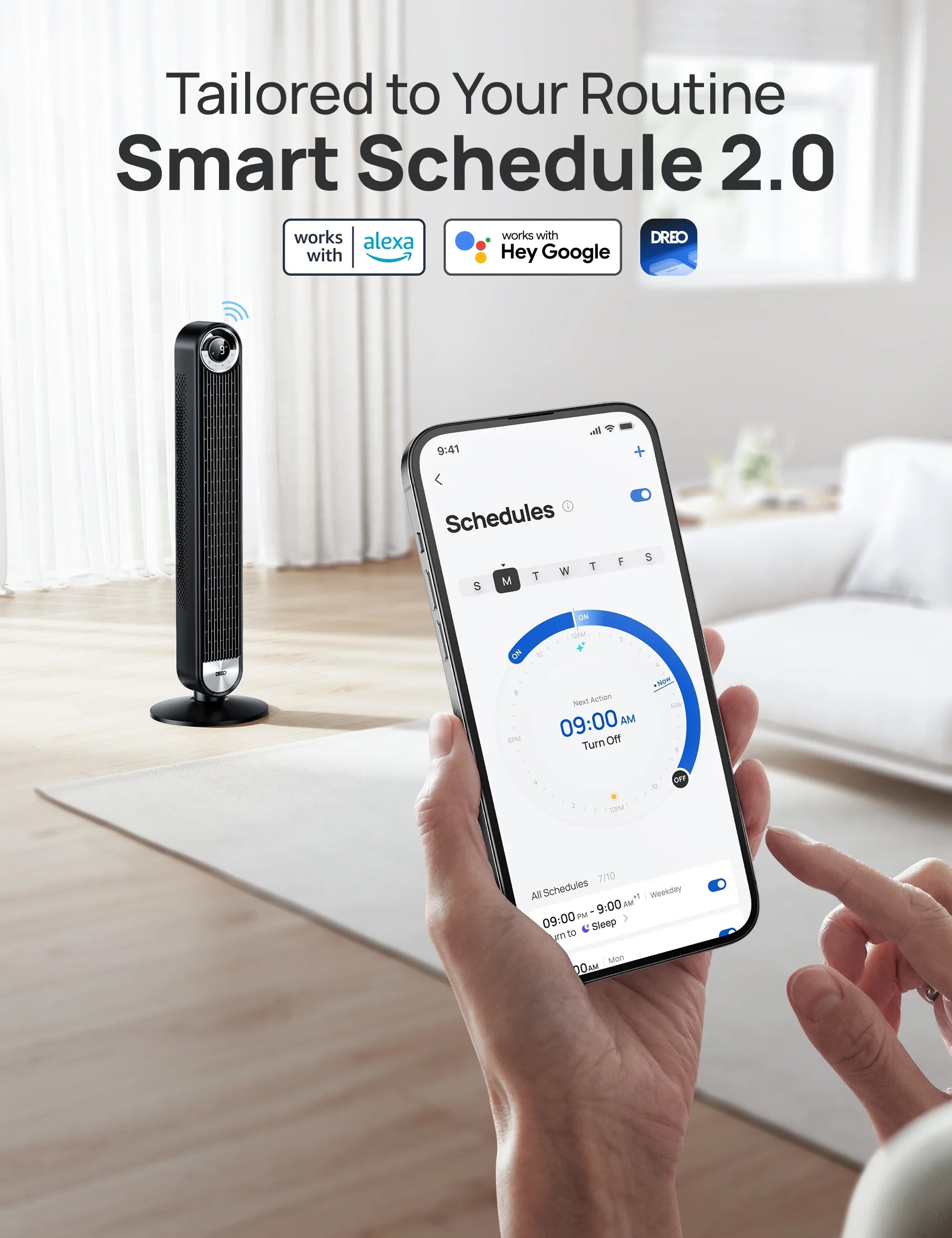
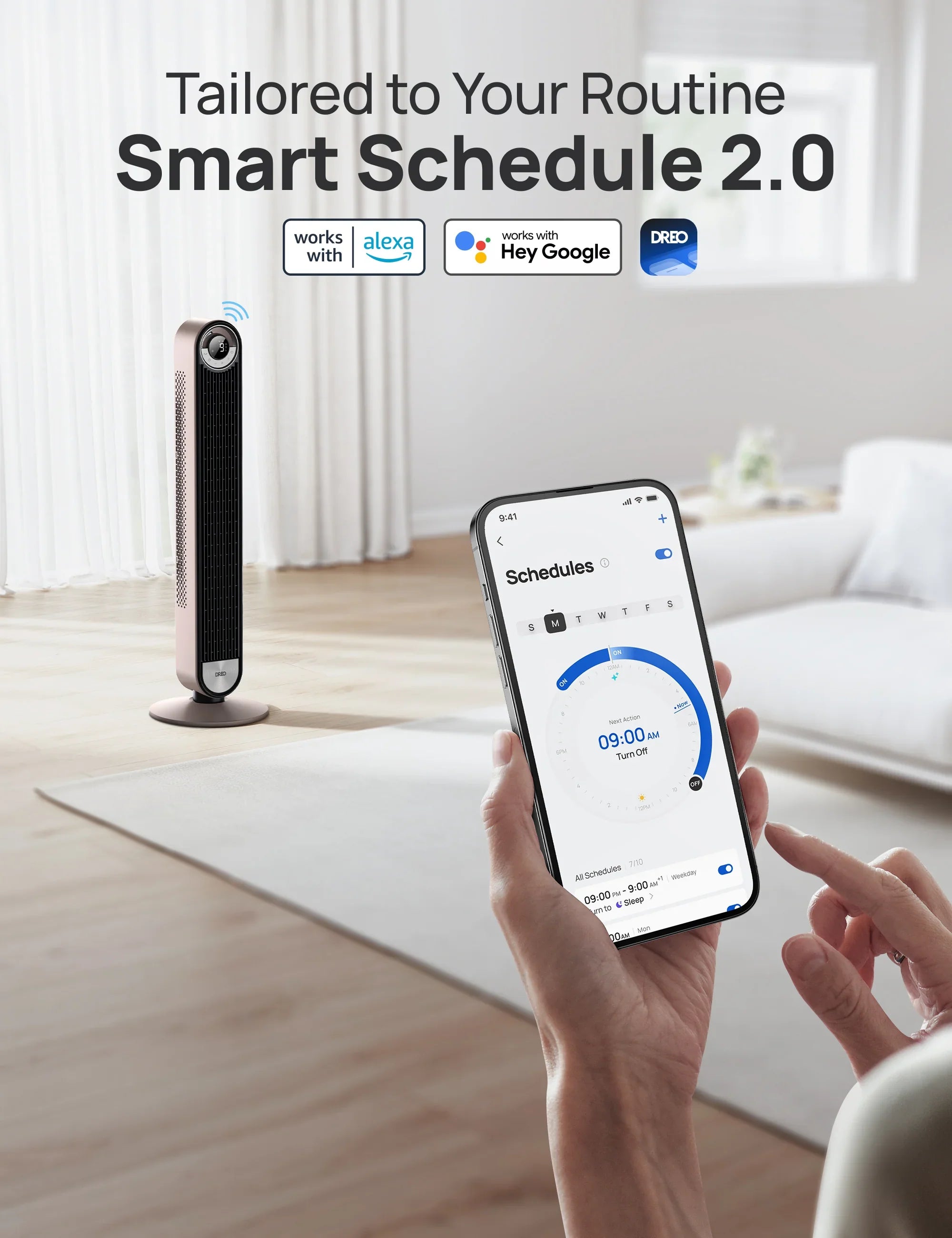
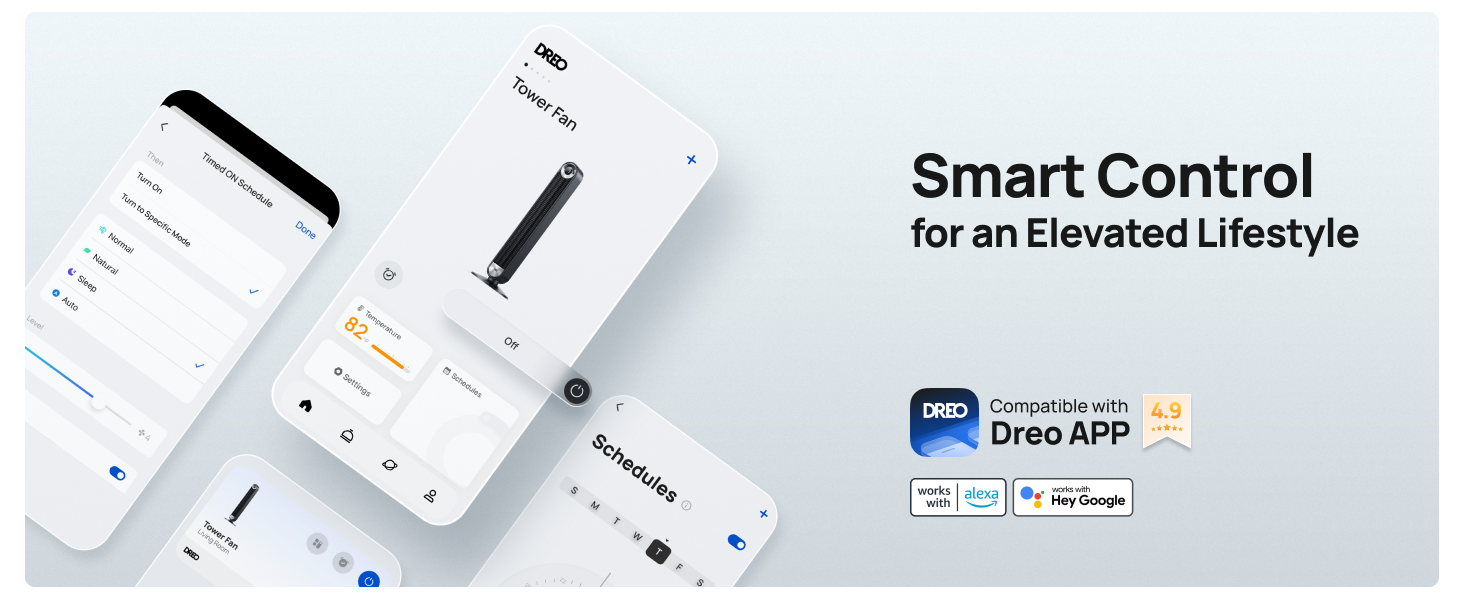
Beautiful design. Quiet. I unpacked, set up and even had Alexa controlling the fan within 10 minutes!
Love the fan and that Alexa works great. No regrets and not loud!
Tons of airflow Well built stand
Fantastic product! It’s super quiet I don’t have to turn up the volume on the TV. Cools nicely and is lightweight so I can move it from room to room easily. Great value for the price!
This is just a great fan. It’s powerful yet quiet and love having a remote with it so I don’t have to get out of bed to turn on/off!
Already had the previous model and it worked amazingly this works just as great. Honestly amazing tower fan.
The one negative is that the whole thing is plastic. Functionally, it does everything I want it to do. Everything I need it to do, I control with the remote. I don't use the oscillation function to oscillate, I use it to swing the fan in the direction I want it to be blowing. I started using it in February and it is now late March, and so far I only need to use it on the lowest speed, which is hardly audible. In addition it has a slender profile and takes up very little space, even though it measures 42". So far so good.
the lowest setting for the fan makes a clicking noise. I figured I would run it for a while to see if it goes away. Other than that the fan is perfect
Low speeds are just right for sleeping
Nice, powerful, yet quiet almost like a whisper
This is the second time I bought DREO products. It meet my expectation. This fan is so quite you will not know if its on. Recommended!!
As quiet as promised. So many settings for being the "dumb" version, and I couldn't be happier. Will be buying a few more.
Your shipping service is the worst shipping service in the world.
The best fan ever! This is my second one. Its so quiet on the lower settings.
On time delivery. Packaging arrived intact. Fan is quiet, seems to move good volume of air.
Doesn't really cool the whole room but still a nice little breeze
Its nothing special I wanted mister model
I bought this because my wife felt my other fan was too loud. This fan doesn’t disappoint. It is very quiet at all speeds. I didn’t think I’d want another remote but I really appreciate that I can quickly fine tune the speed. It also puts out enough air that I rarely go above 6 (out of 9) at 10 feet. Highly recommend.
I like the power and ease to use
I love the look and the options but mostly how quiet it is!
A1 superior brand of fans. High quality and is efficient. Thank you for making a great product
Great product thank you
Like the fan, especially how quiet it is
I love it. I went to Chi Town for the Taste of Chicago Festival July 9-12 they had a Dreo fan in the Suite that we stayed in. I had to get me one!
Love this fan. Powerful, quiet, and the smart features work great both through the app and with google home
Lots of wind for a sleek and slender tower🥹
Very quiet. A bit bigger than I expected so check measurements if this matters. It didn’t matter to me and now I don’t have to think about paying an electrician to install a ceiling fan.
Love this fan!
Own three Dreo fans, great product.
It cools the air ok.
Smart Tower Fan 519S Starlight I love the color starlight for the Dreo that I purchased. The sleek and modern look is beautiful and the display is a nice size and very easy to use. The overall quality is excellent . The winds are calming and relaxing on all modes. During my sleep cycle I experience a nice fresh quiet breeze and slept peacefully. 10 out of 10 great buy fast shipping over beautiful look and great quality.
So quiet, so sleek, soooo worth the purchase
Our best fan yet! Super quiet, great quality, doesn’t take up a lot of space, perfect height, cools very well even at low levels. No regrets.
Great experience with a seamless order and the fan is simply amazing!