





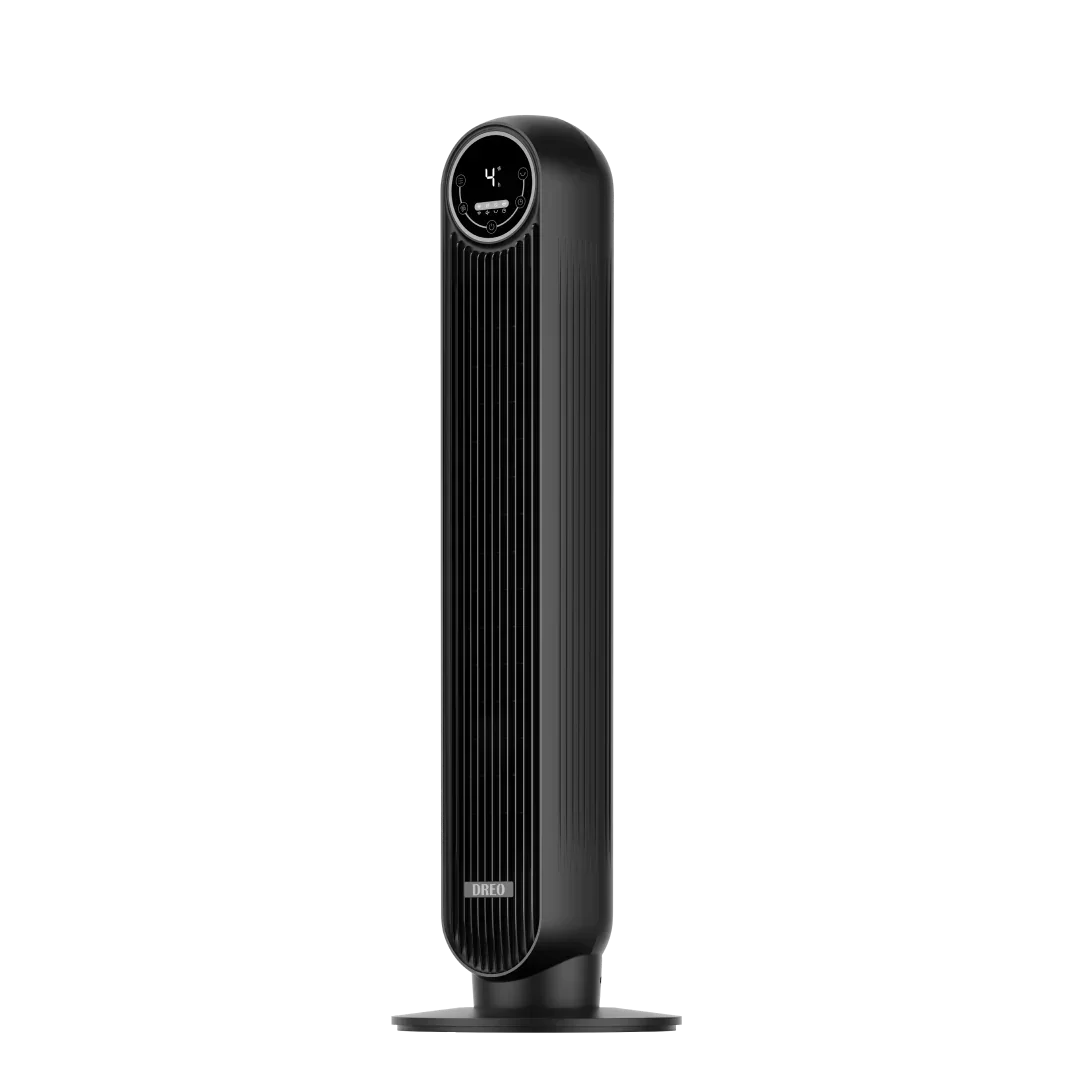
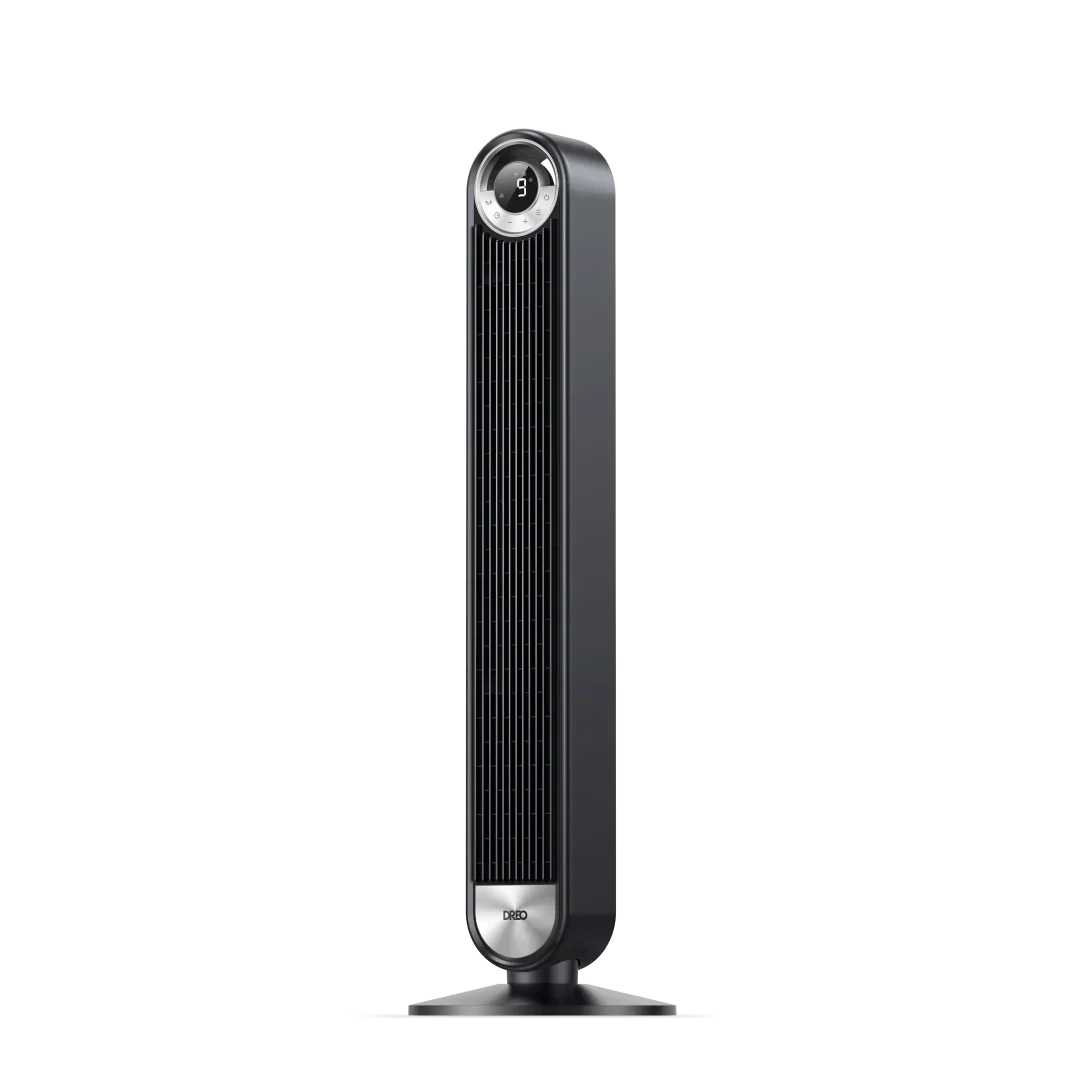
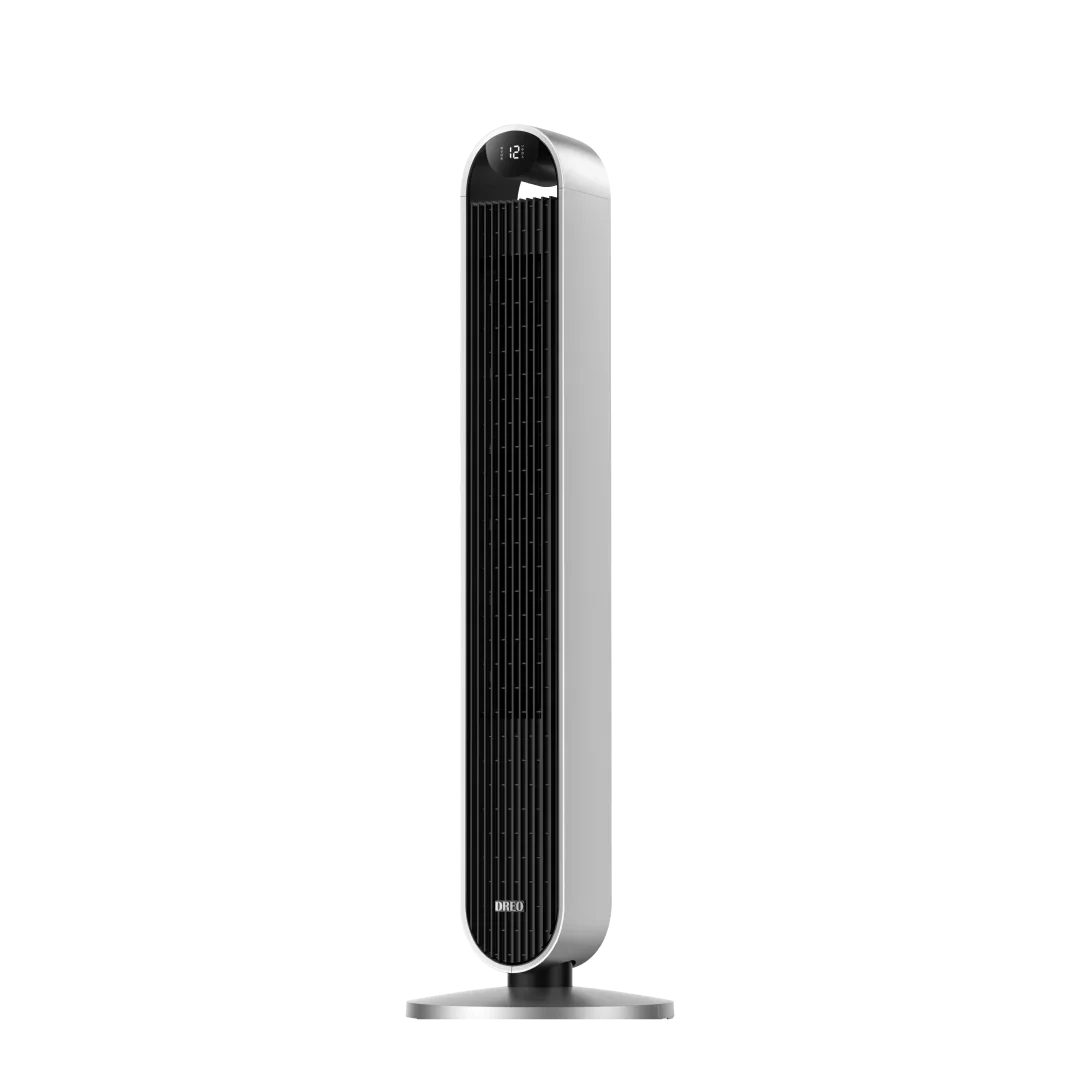
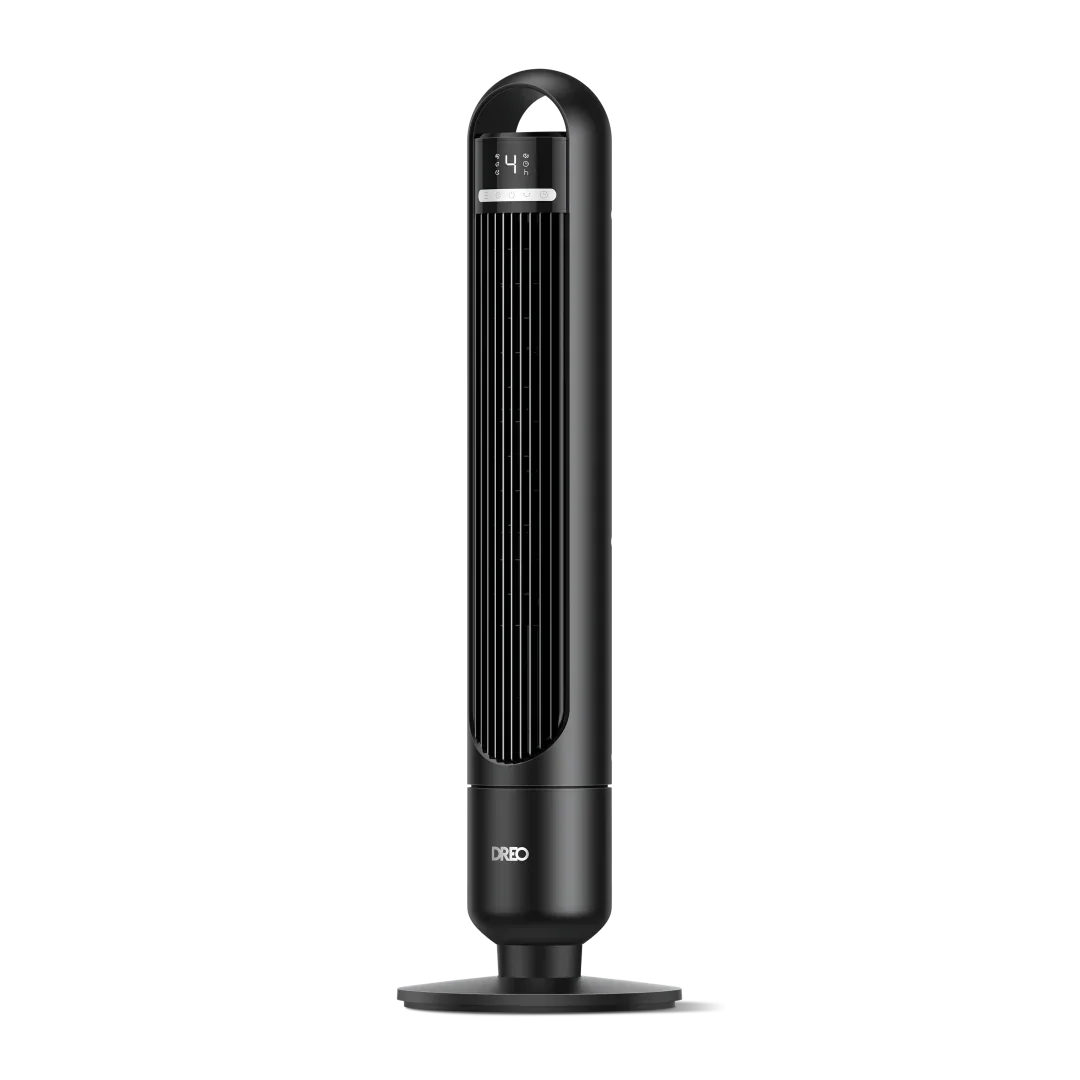






love it ❤️


Copy the discount code from the product page,and then apply the discount code during your checkout.
No, discount codes cannot be combined. Only one code can be applied per order.
* The code does not apply to the items in your cart.
* The code was entered incorrectly.
* The code has expired.
* The code is not from DREO's official website.
* Your cart already has an active discount code, and multiple codes cannot be used together.
Color:
Color:
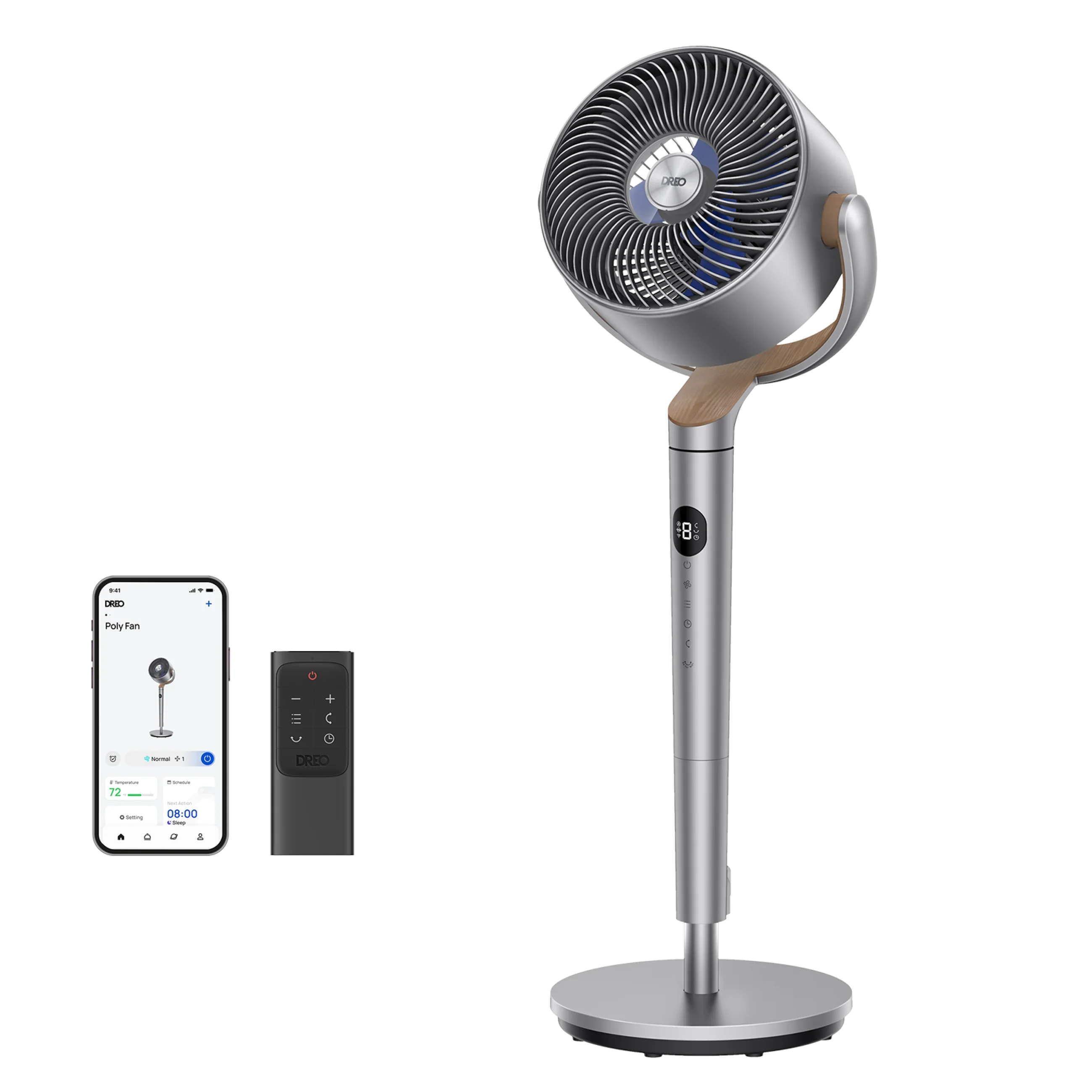
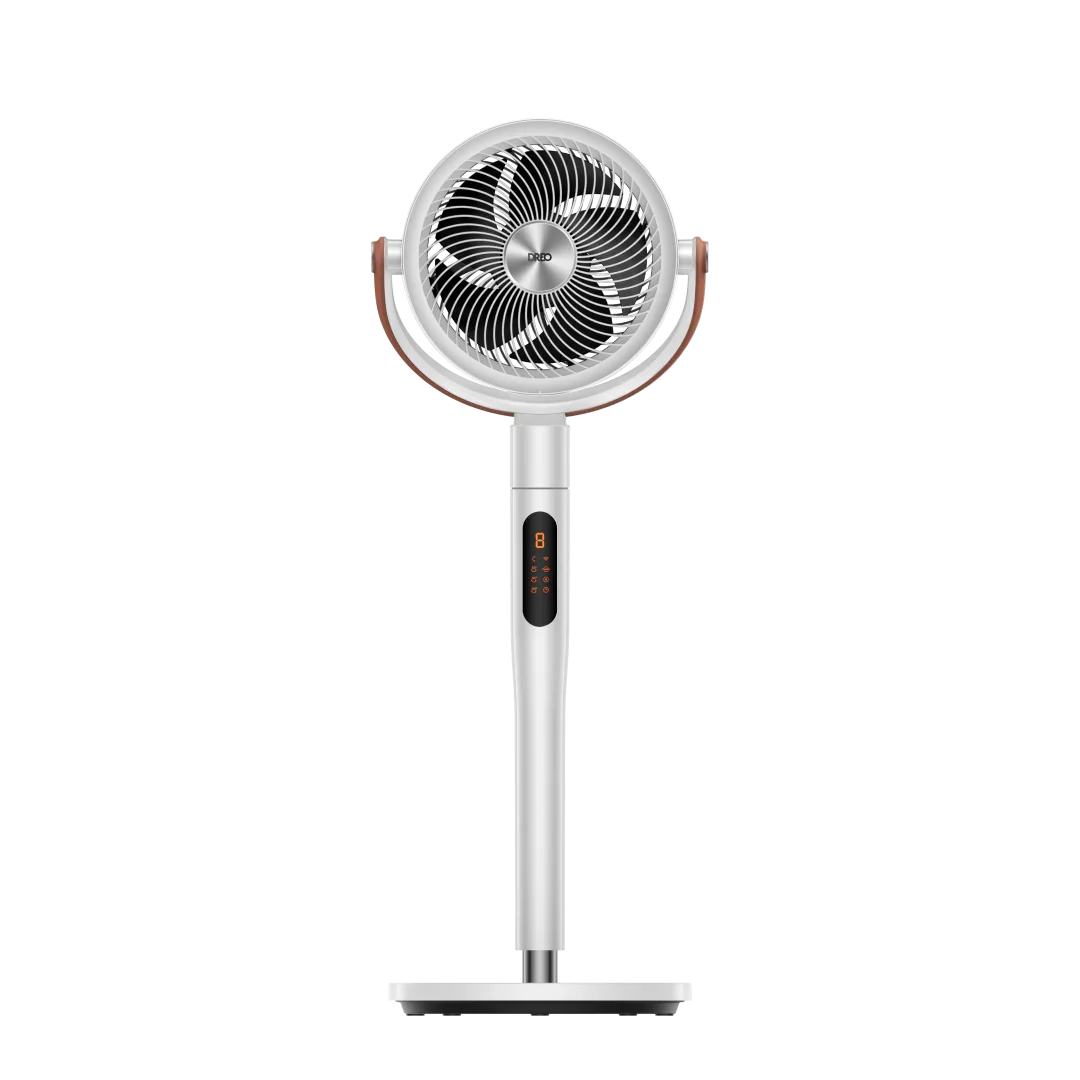
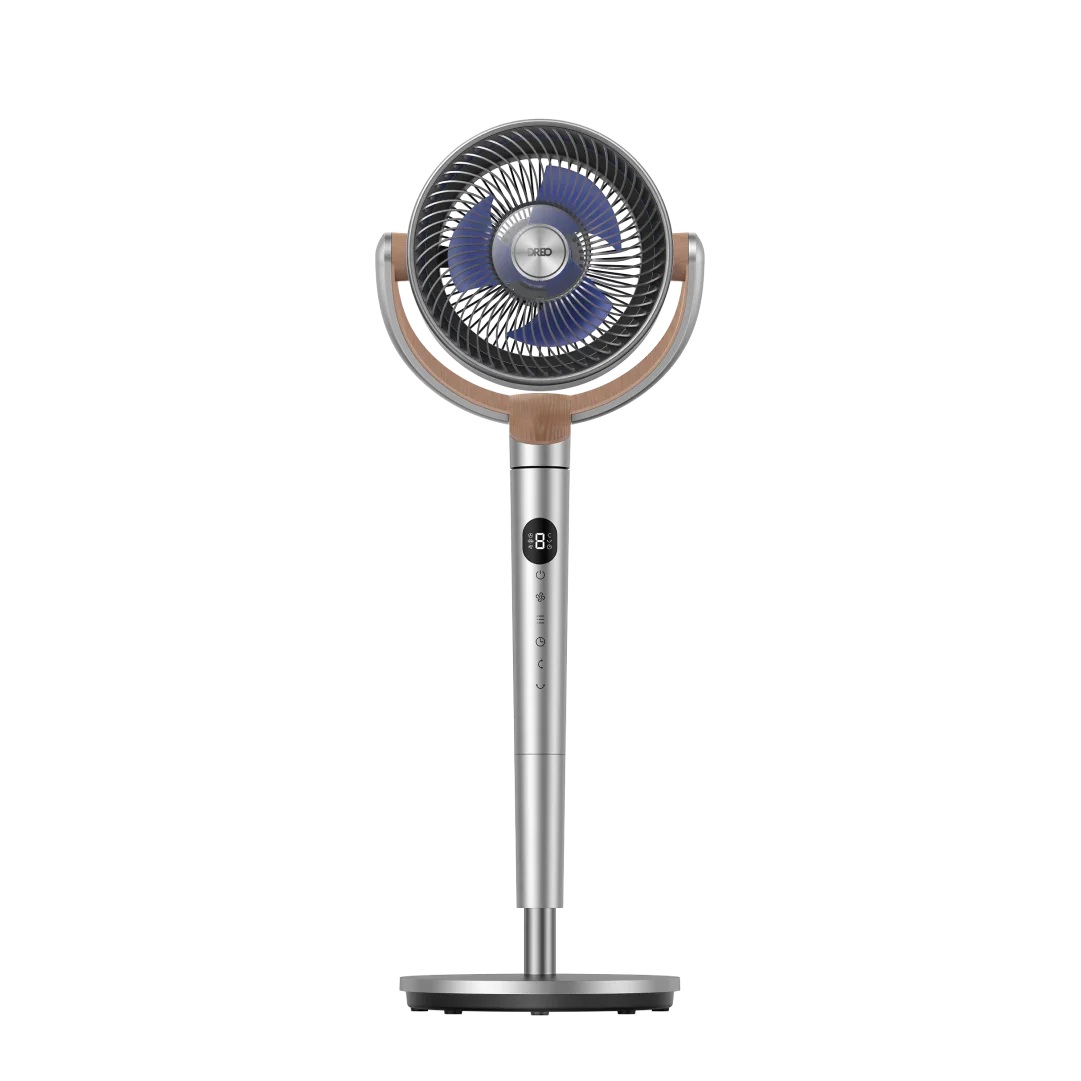
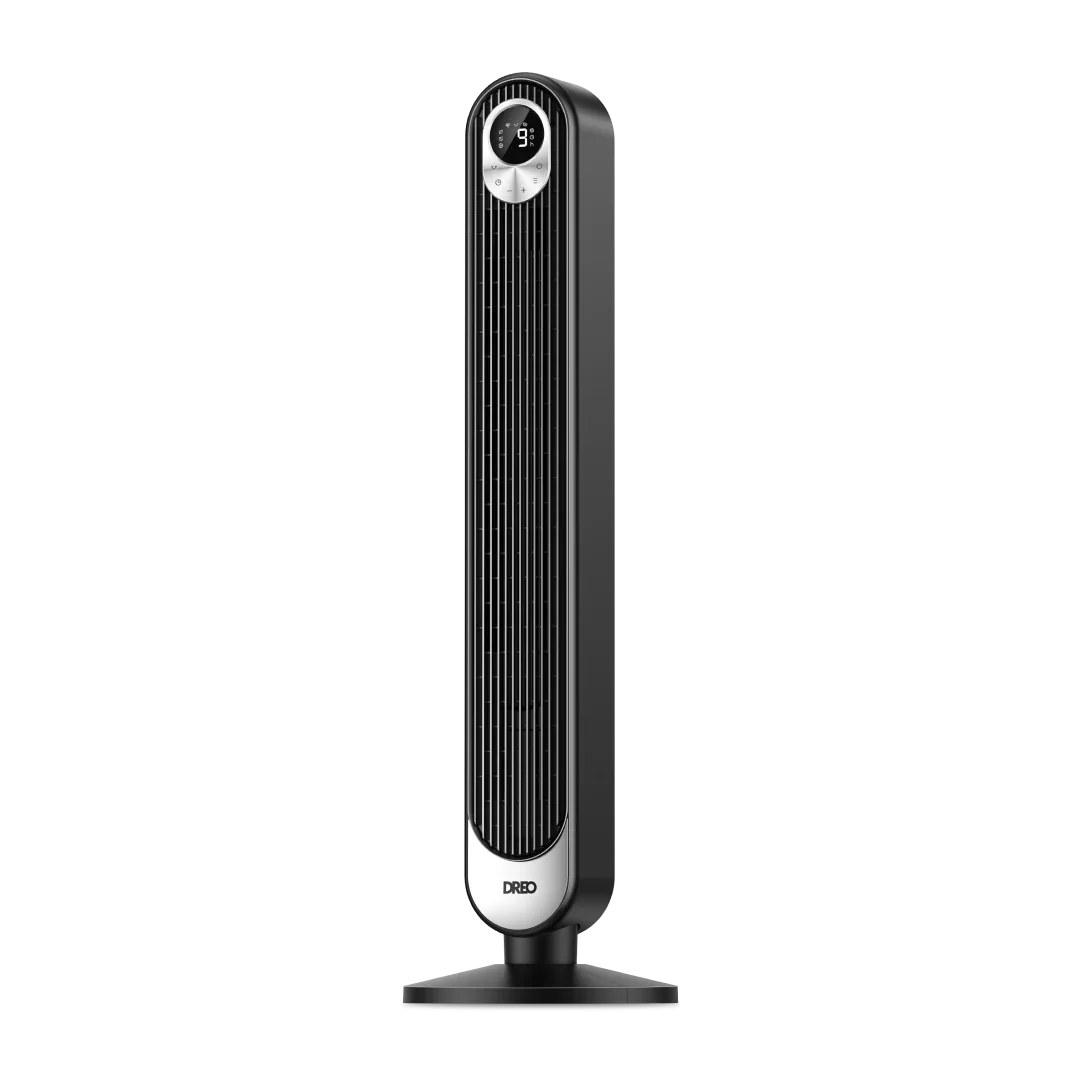
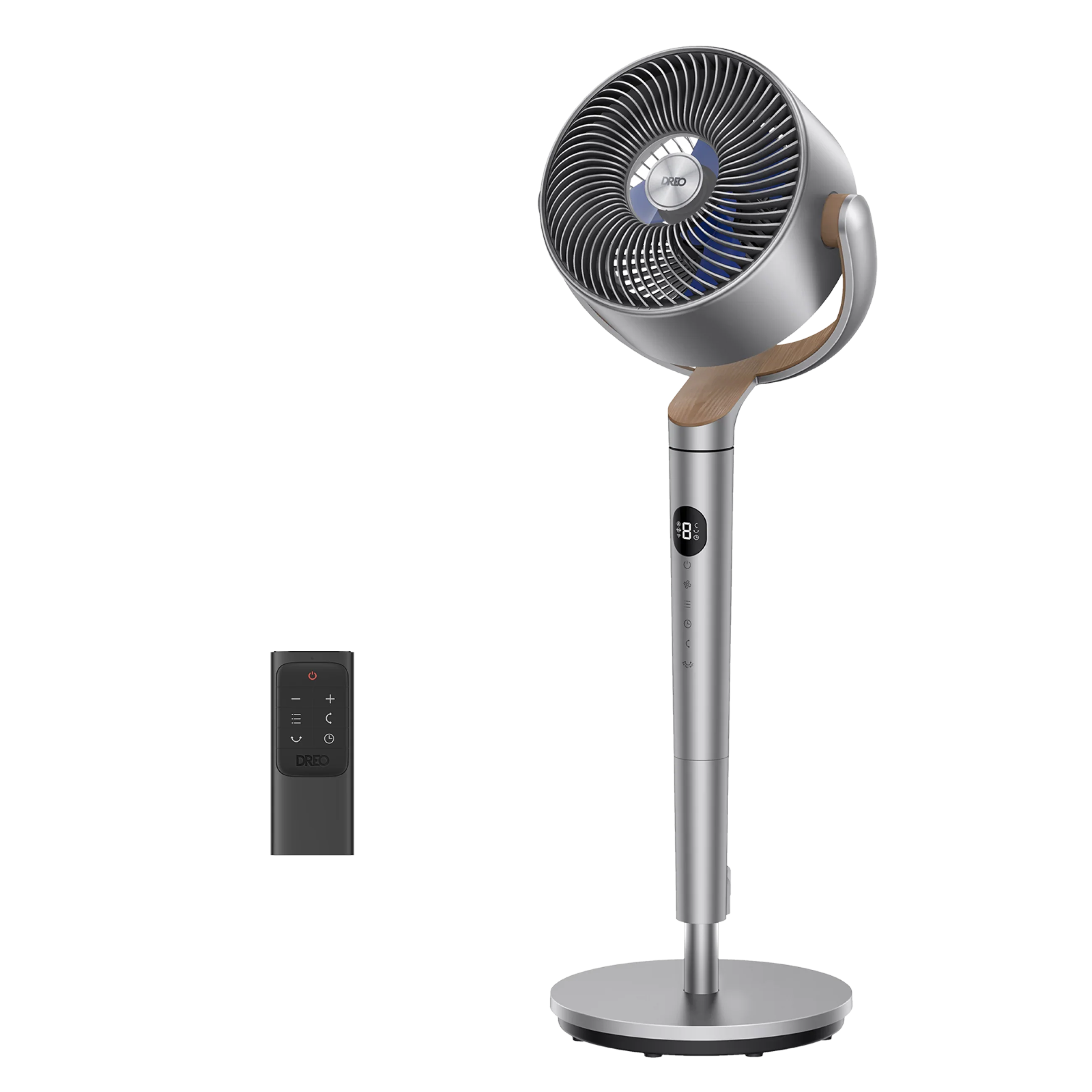
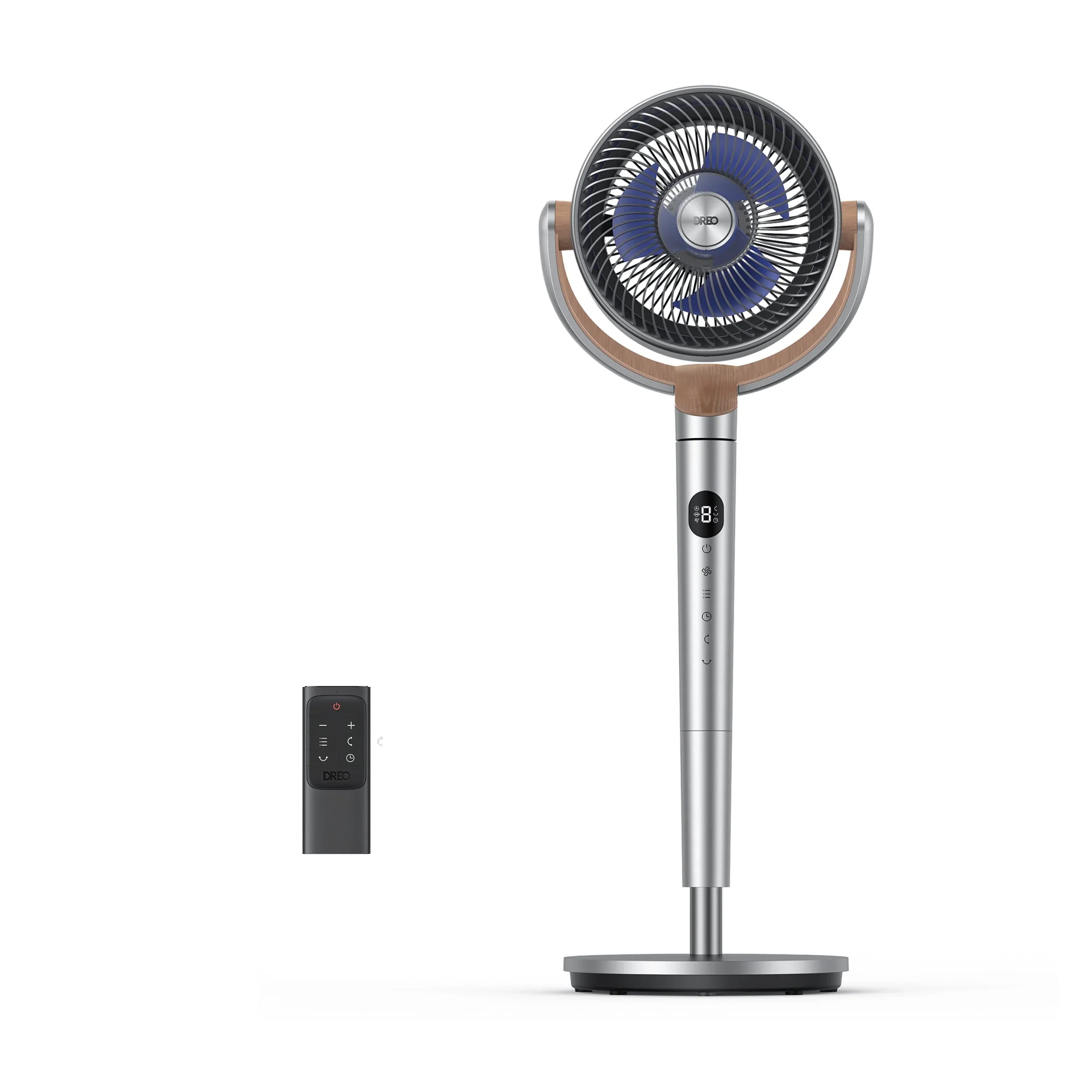
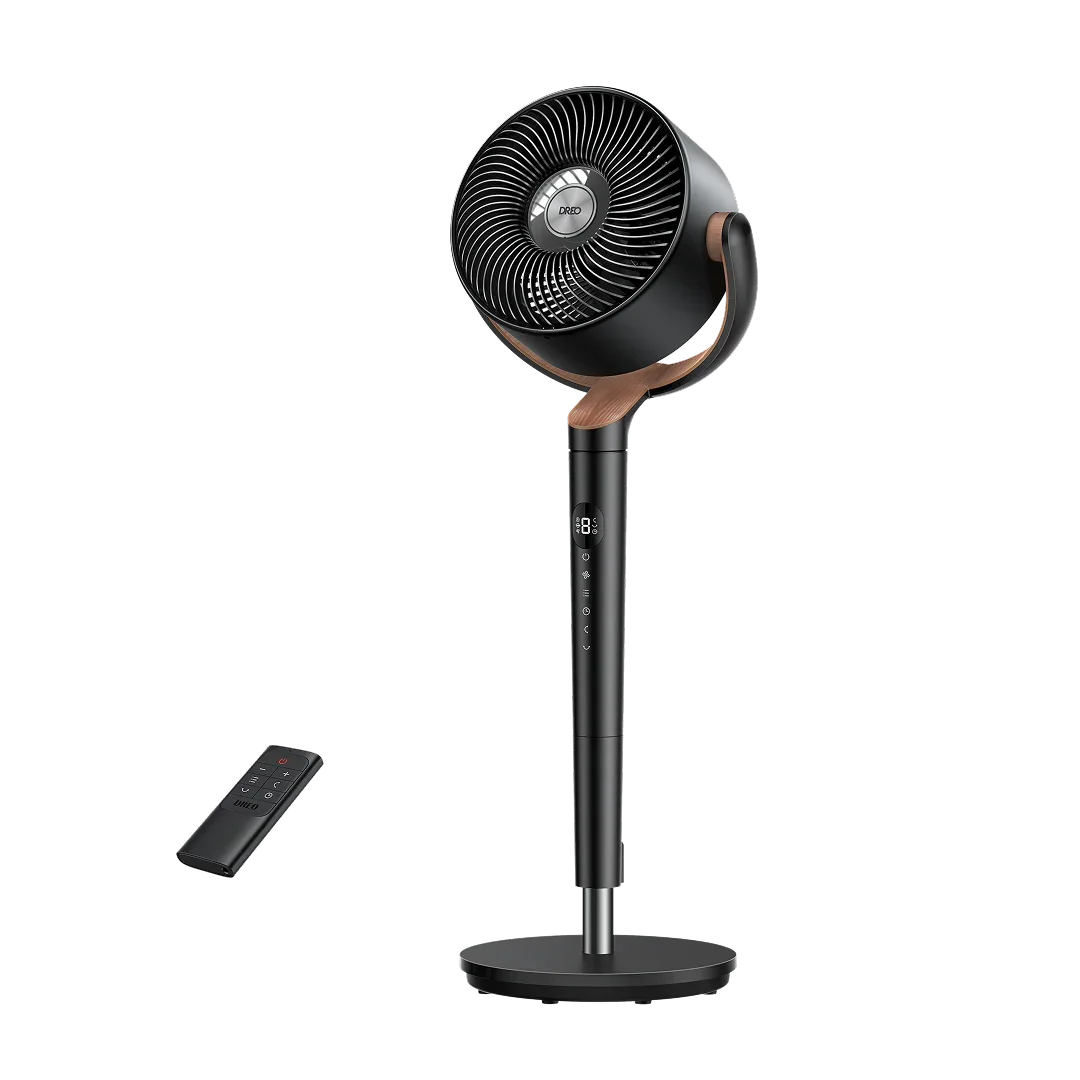
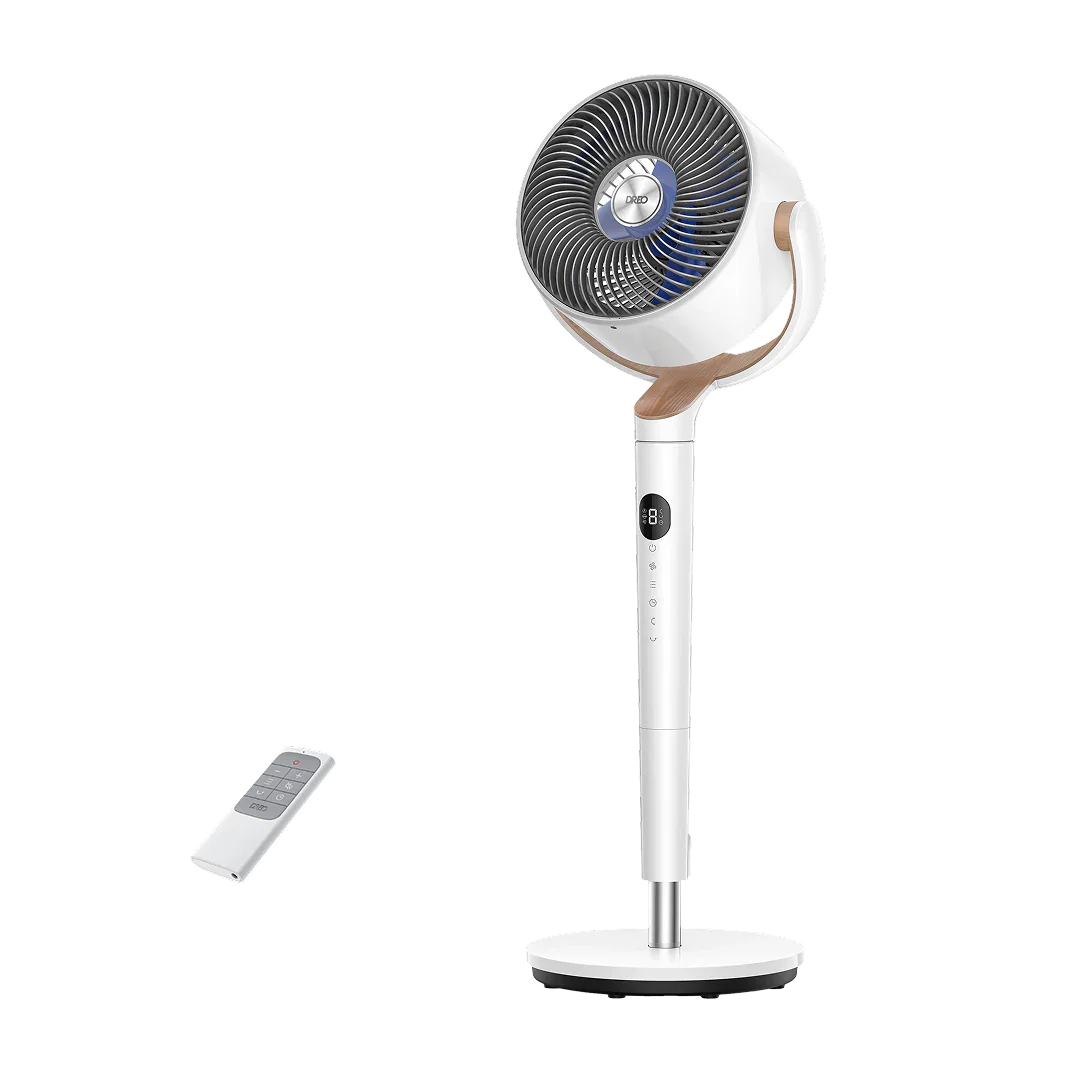
Power Input: 120V ~ 60Hz
Power Source: Brushless DC Motor
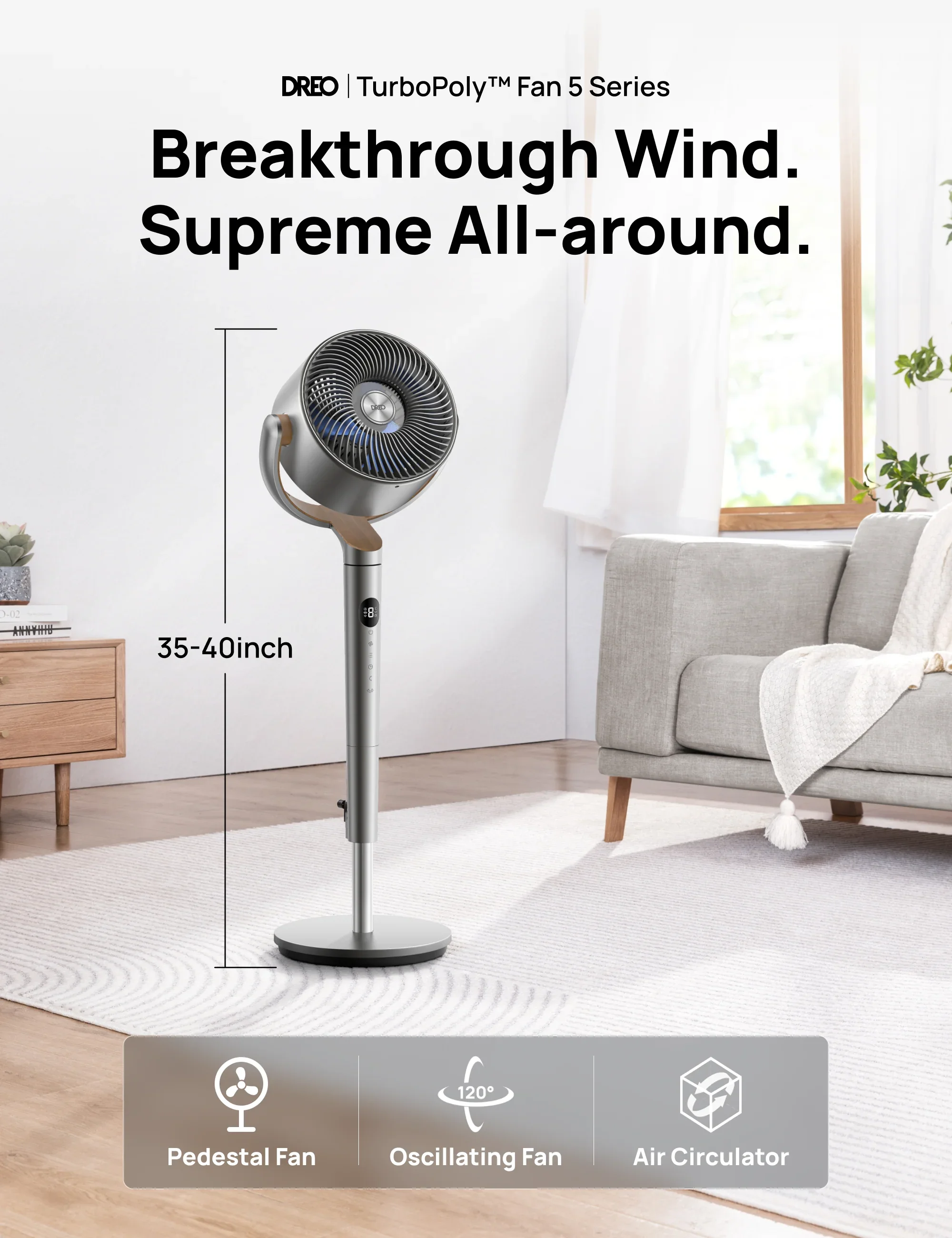
Height: 35-40 Height,7 Blade
Max Distance: 90ft
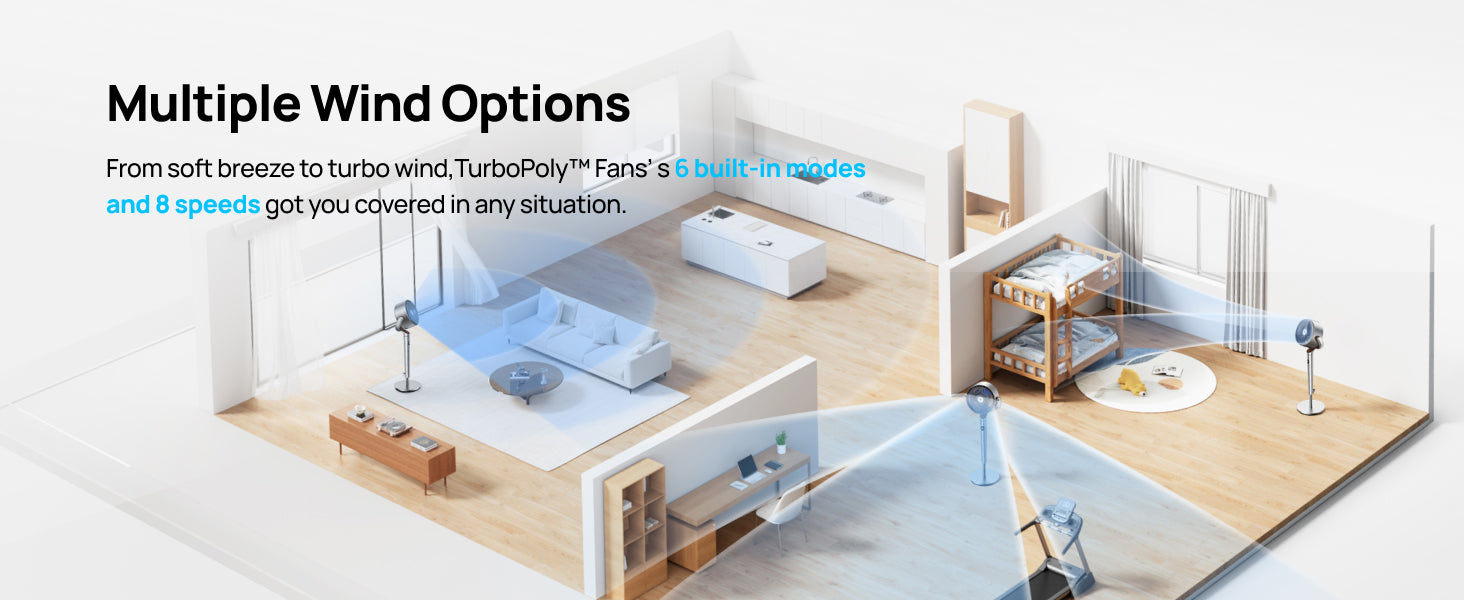
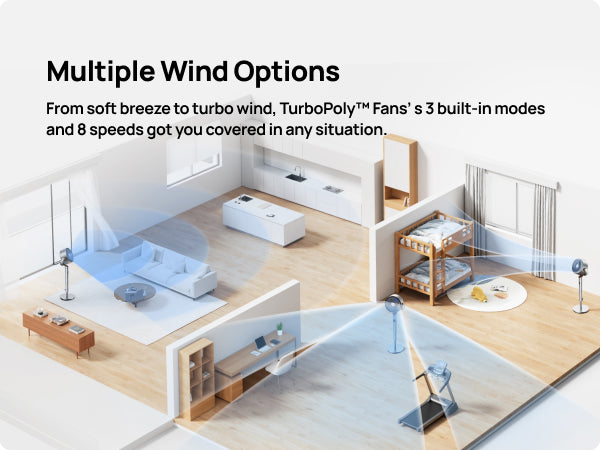
Speed Settings: 8
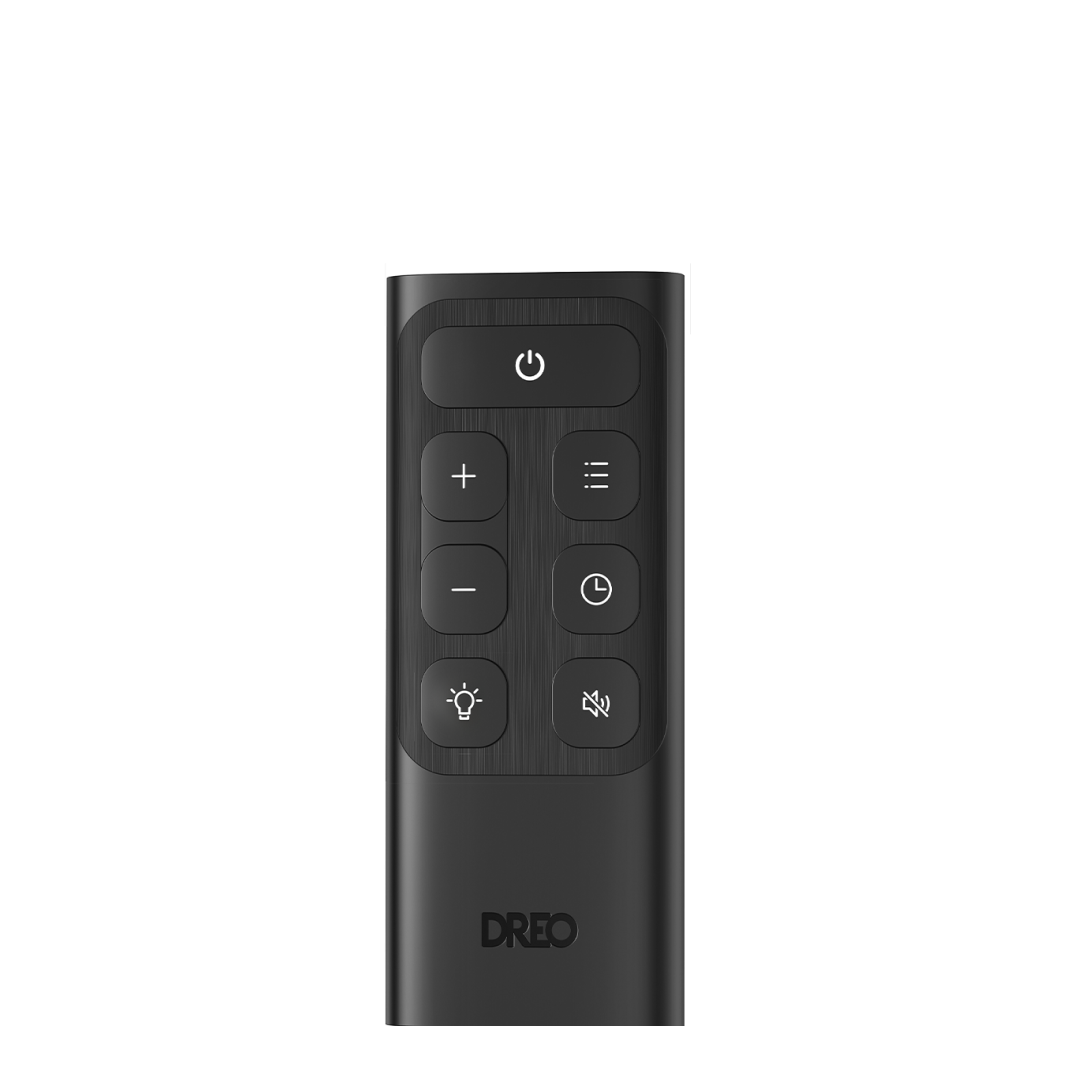
Controls: Remote/Touchpad
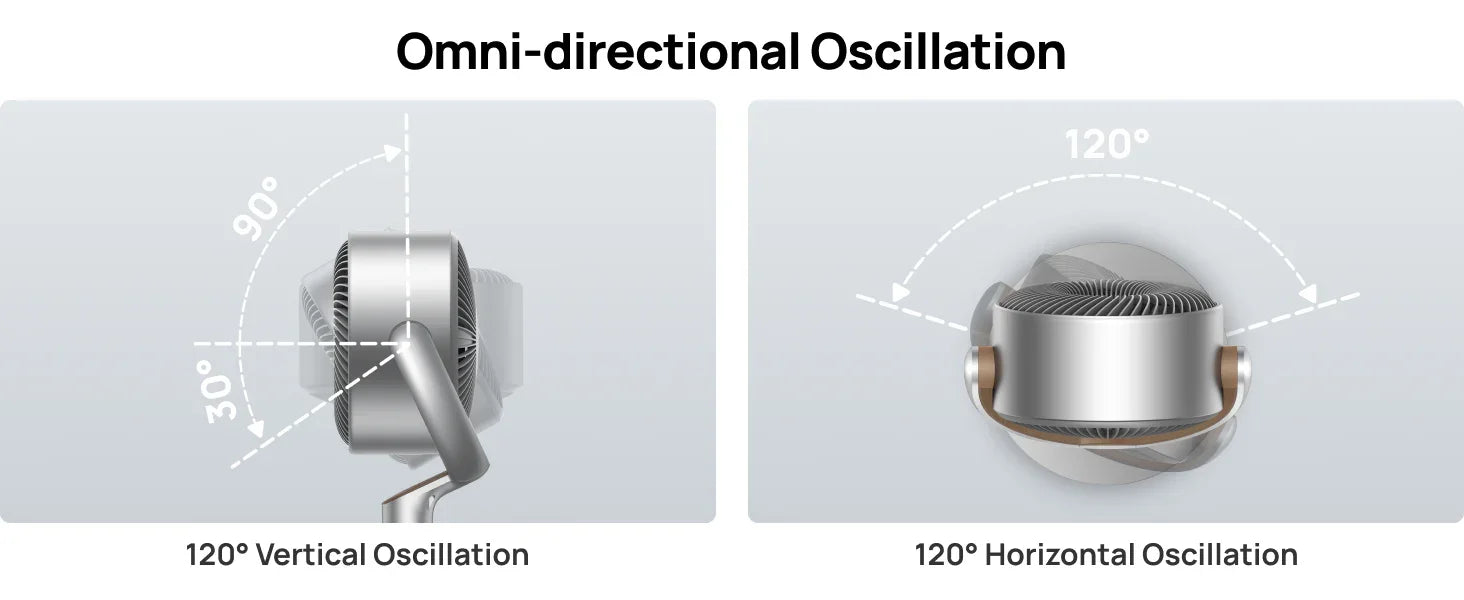
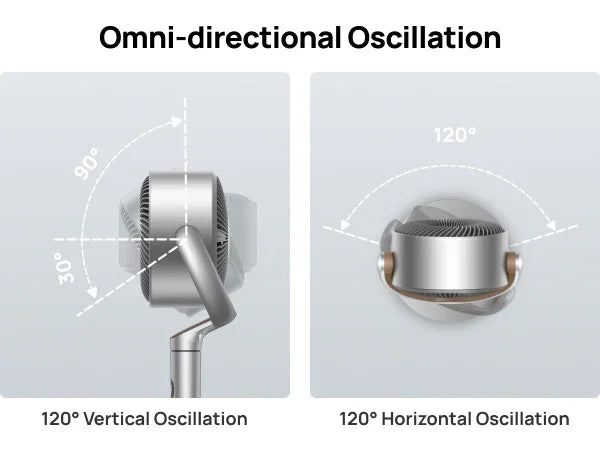
Oscillation: 120° horizontal, 120° vertical
Mounting Type: Pedestal
Dimensions: 11.02'D x 13.07'W x 40'H
This product is rated 4.9 of 5.0 stars.
It has received 290 reviews.
Overall rating: 4.9 / 5 from 290 reviews.
love it ❤️

This fan is the best! It is super quiet and delivers a bunch of wind! DREO makes the best fans.

For what it’s meant to do, this fan is excellent. Positives: quiet, omnidirectional, small footprint, nice design, many modes. Negatives: Height is much shorter than I anticipated…Top of the fan reaches 40 inches max. Very short for a pedestal. I’m 6’1” and must bend down to place the remote in its stand attached to the fan stem. Also, it’ll be nice if the remote had some type of illumination or textile buttons to make it easier to use at night. As it is, I must turn on a light in the room in order to know which setting I pushed. Love the timer, though! In my first week of use, because the motor is so, quiet, I’ve often forgot to turn the fan off. Setting the timer, makes it a non-issue. I haven’t explored using the app, yet. Overall, I’d easily recommend the Dreo line of fans!

We love this fan - it is quiet, effective, and very convenient to control from the app. Even when I'm not home I can switch it on for my cat on a hot day. It circulates air very effectively and being able to control the range of motion is great. 10/10 would recommend!

I love this fan. While I thought I was going to have to beat the summer heat by having the turbo mode activated at all times, I found that this fan really works well on a low and quiet setting for the room it is in. The controls are great and the app was easy to set up. The only thing I dislike is the wobbly neck, but maybe Dreo will improve on that while keeping the rotation technology the same. Thanks Dreo!
What I love the best about these fans-I now own 2-is how quiet they are!
Small footprint for a powerful fan. Very versatile. I use it inside and outside of our house. The base keeps the fan stable but it's still easy to move from room to room and in and out of our motorhome. Great product.
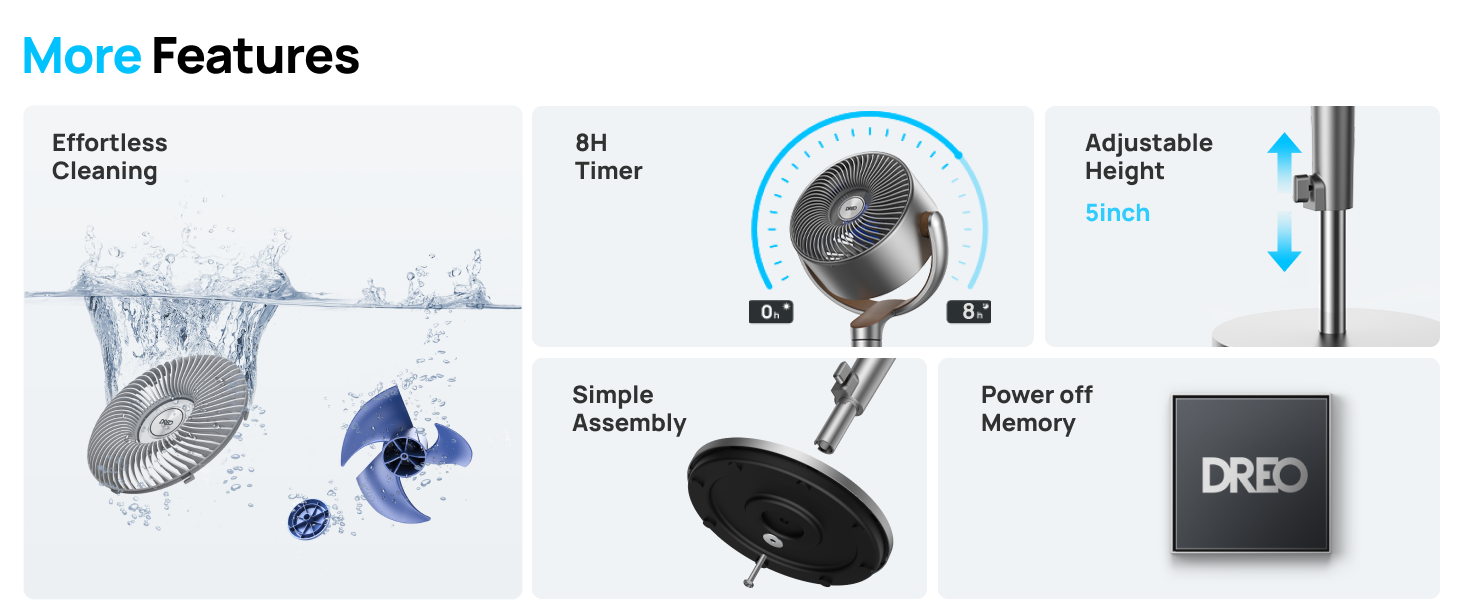
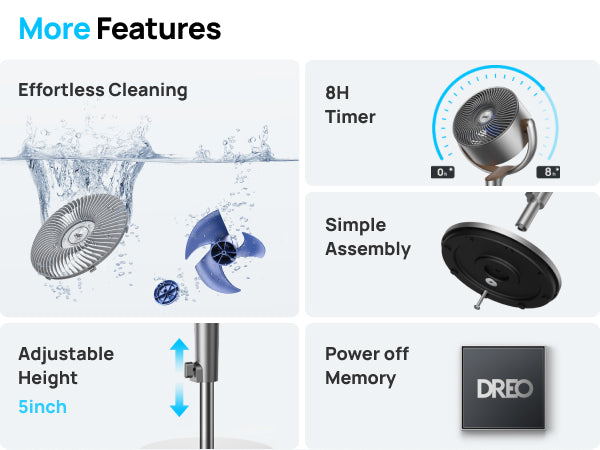
This is the second fam of this model and it was purchased for my son. The oscillating both vertical and horizontal is great to move air. The quietness is nice, even on high speed. Eight (8) speeds, 8-hour timer and able to disassemble for eady cleaning is wonderful.
The fan is extremely easy to assemble. Wi-fi connection is a snap. This fan is very responsive to my This is the best pedestal fan I have ever bought.
Great powerful fan that is very quiet! Perfect for night time sleeping
This review is for model DR-HPF018 bought from The Home Depot however that fan isn't on here for some reason. We use to buy Lasco fans but awhile back they redesigned their motors and they just dont put out air like they used to so we decided to try dreo so far its questionable at best. the video review and product descriptions I've seen I thought it would put out a little more air than it does. It wobbles slightly, and the pedestal shaft where the electronics are get fairly warm not enough to burn you but very warm/hot depending on how long its been running. This isn't even the model we wanted but its the only one that was available locally.
Definitely a great fan
Works well. Very quiet. Well packaged. Easy to put together.
Great fan!
Great fan!
I'm a big DREO fan. I have multiple heaters and fans. I love the app, the oscillation features and quietness of the fan. I have had some difficulty with ticking sounds if the fan is left on for hours at a time which can become bothersome at night. Otherwise I am happy.
amazing fan! love how it moves all around and is silent for sleeping
Love the fan
I Hate to write reviews on something I got just a week ago. But I got 2 fans and they are powerful and quiet.
Great fan...very quiet.
Love the fan
Great fan with lots of good features.
Bought 2 of them! 1 for each of the kids rooms and they absolutely love them! I have a different turbopolly fan model from Dreo for my room and all of them are fantastic! Would definitely recommend to anyone!!
It was too expensive but Best fan I've ever owned.
I absolutely love it
Best- fan- I ever purchased, not a option to live without- a fan in Florida, Unbelievable in it's ability to make the most of cooling, circulation -and,- Your- air-conditioned unit. Highly recommended !
It’s quite
I love this fan. It pivots all the way up and down.
I like this fan - very strong and easy to assemble. It really keeps the place cool and is relatively quiet. Very pleased.
Wow. A Game changer. It’s Fan~ Tastic It’s silent and blows colder than room temp.
What a joy! It oscillates while rotating. Powerful yet quiet!
Was reluctant to spend this in a fan… so glad I did it’s quiet, powerful and the sleek design makes it easy for storage.
This fan is probably the best fan we’ve ever had. It has so many options for positions and speeds. The remote control is easy to use and can be stored on the fan itself. It seems little but puts out a lot of air. I was actually surprised at the amount of air that it circulates. It doesn’t come up as high as I’d like but you can adjust the air to blow in just about any direction you want it to. The power cord plugs into the back of the fan and I have noticed that if it’s on the highest speed for a long amount of time the plug does get hot. We’ve never really had to use it on the highest setting though so it’s really not an issue. I’m planning on buying another one in another color.
A great working fan for me.
It’s very quiet, the oscillation is smooth and gets a very wide range and angle of my living room. Right now I only have it on lvl 6 and it’s way cooler in my house. It was also very easy to install and put together. The durability looks very sturdy and made well. There’s no cracks or dents or scratches on it. I also like that I can see what number(how strong it’s blowing) it’s at.
Excellent fan , can’t live without it, what can I say, it keeps me cool
In my room it's gets hot 🔥. This is the first day of using it and it feels amazing.
Very classy yet modern design. Strong and quiet. Wish the power goes maybe 3 more notches higher Small. Was expecting something bigger than me. Has a small cradle for the tiny remote which is awesome. Oscillates air everywhere ..top bottom sides !
Other than collecting a lot more dust and debris than an average fan, it's really a great product. We like the multi-directional rotation and the setting buttons are fairly easy to memorize with your fingers. Low is whisper-quiet and high definitely gives a good gust. It's also astheticly pleasing.
This Dreo Standing Fan has officially become the MVP of my covered porch. I sit out there like a queen in her breezy kingdom, sipping my drink, while this beauty swirls cool air in every direction. The omni-directional oscillation means no hot corner is left behind, and the pests? They take one look at this wind machine and decide they’ve got better places to be. It’s whisper-quiet, so I can actually hear the birds or enjoy my music without that old “box fan roar,” and the remote control means I don’t even have to leave my comfy chair to adjust the speed. Between the cooling power, the sleek look, and the blissful bug-free evenings, I’m convinced this fan might just be the best porch investment I’ve ever made.